
Vital BizForm
How do I add my filter conditions?
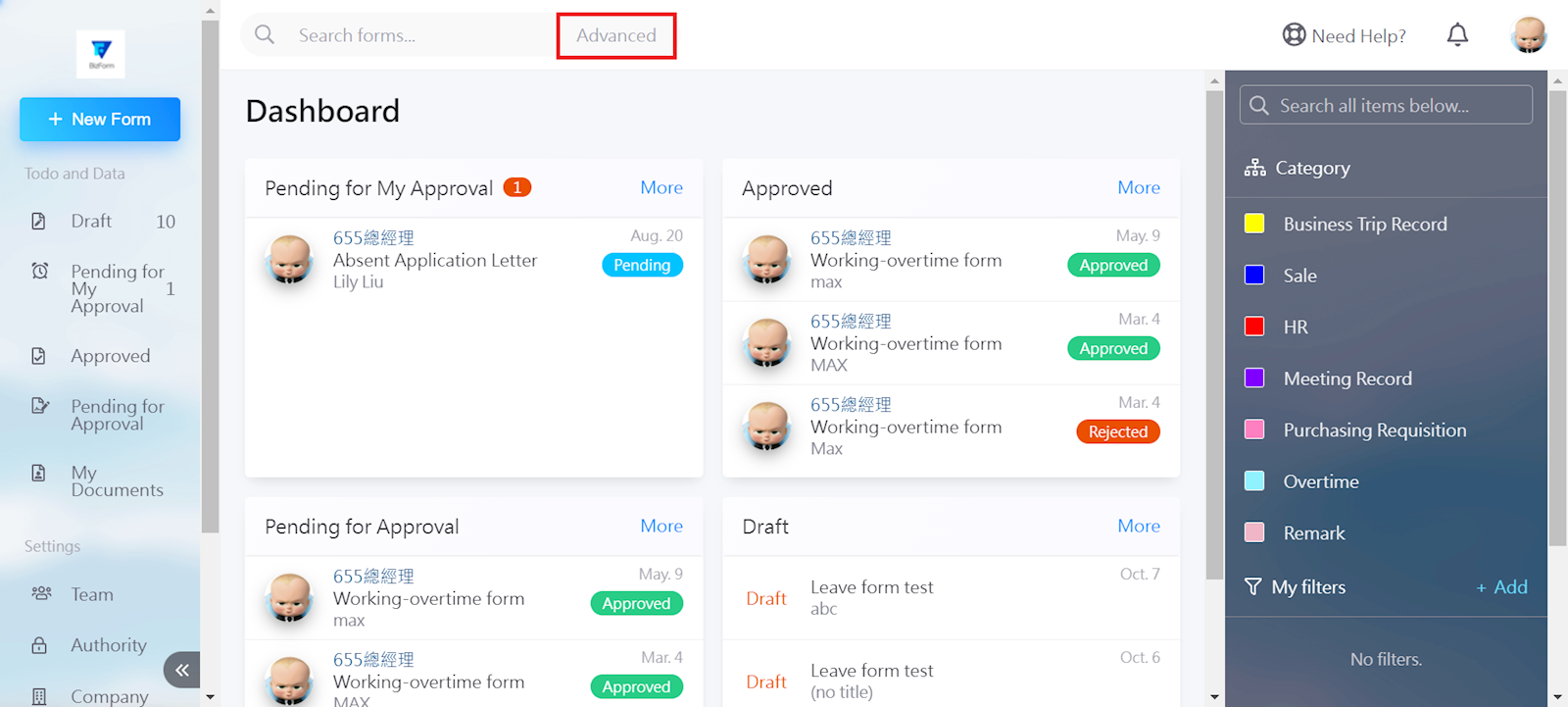
Select [Advanced] in the search box.
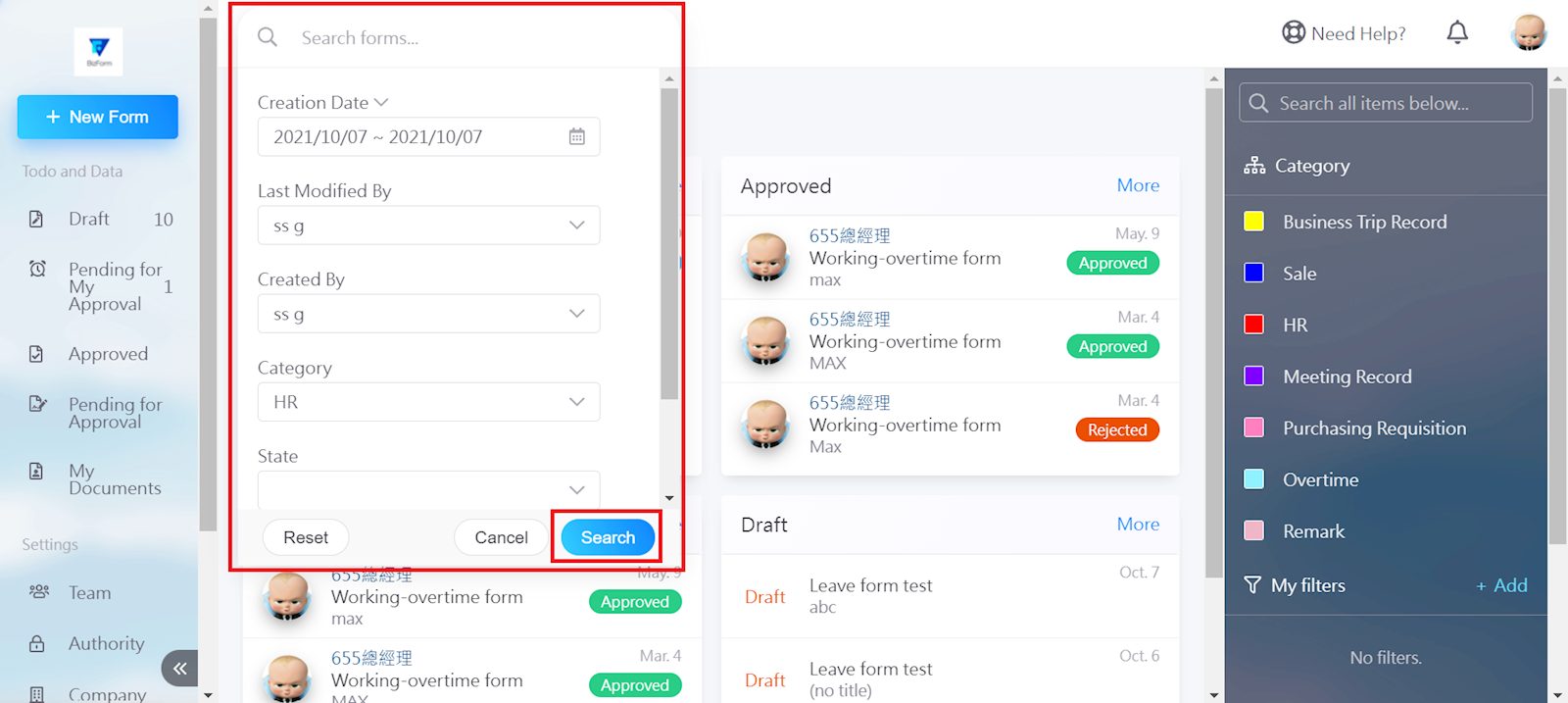
Enter the filter conditions and select [Search].
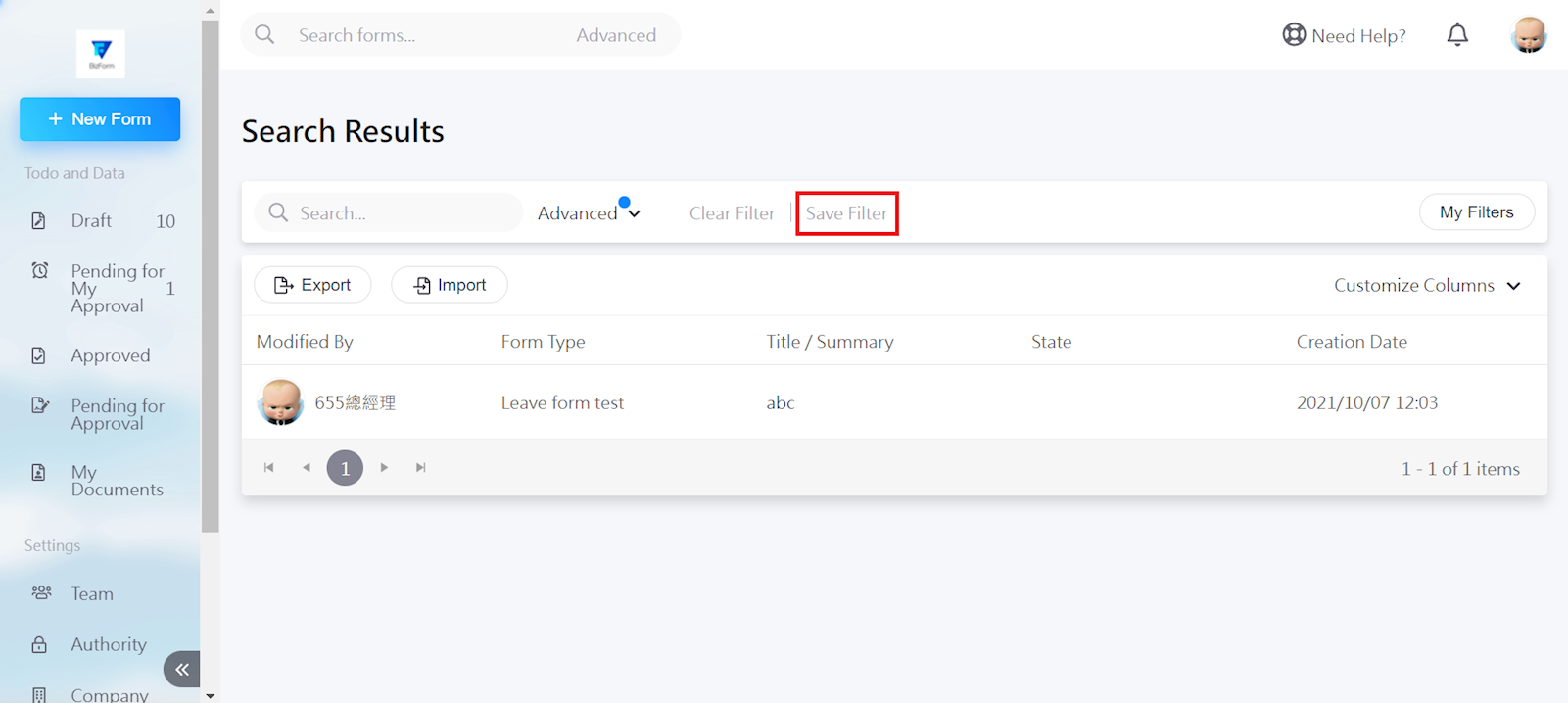
Select [Save filter].
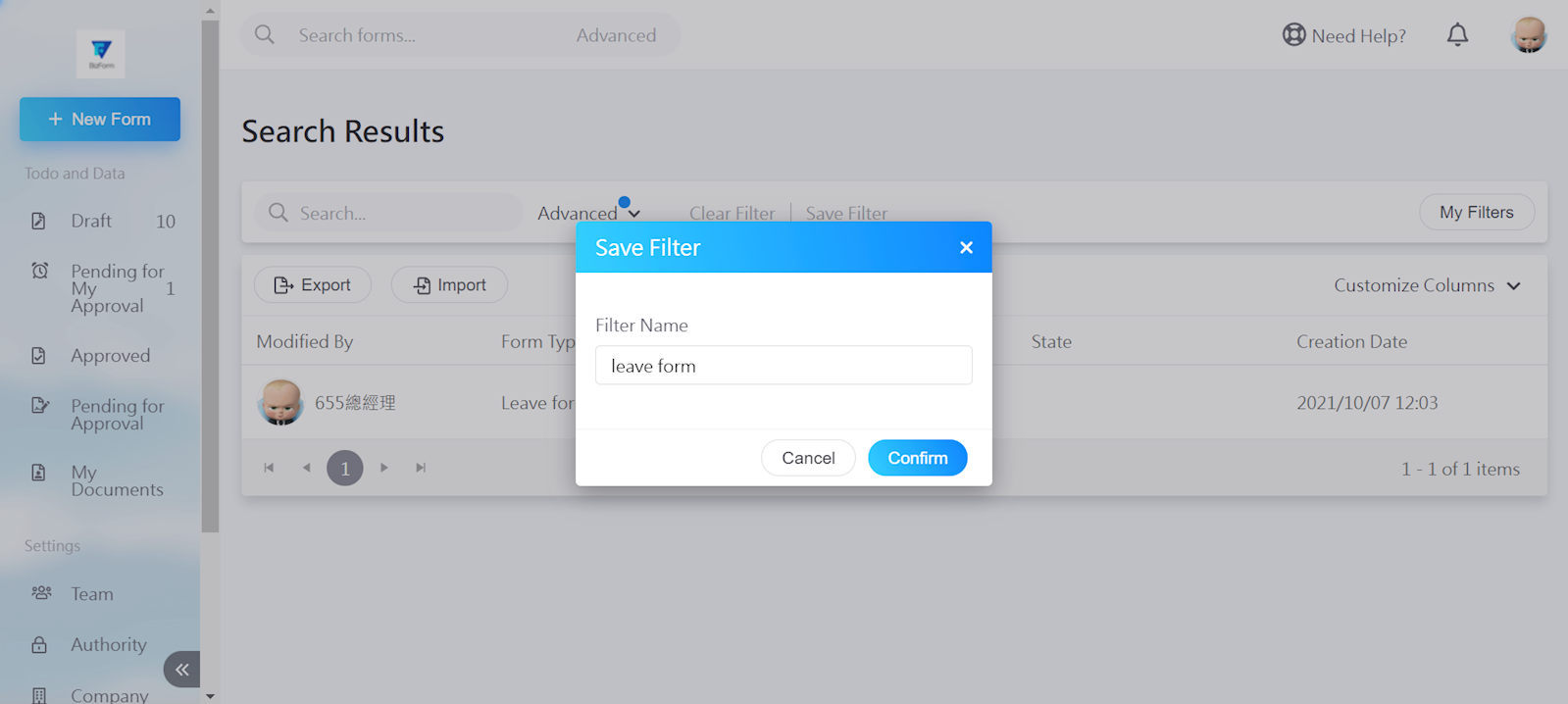
Enter the filter name, then click [Confirm].
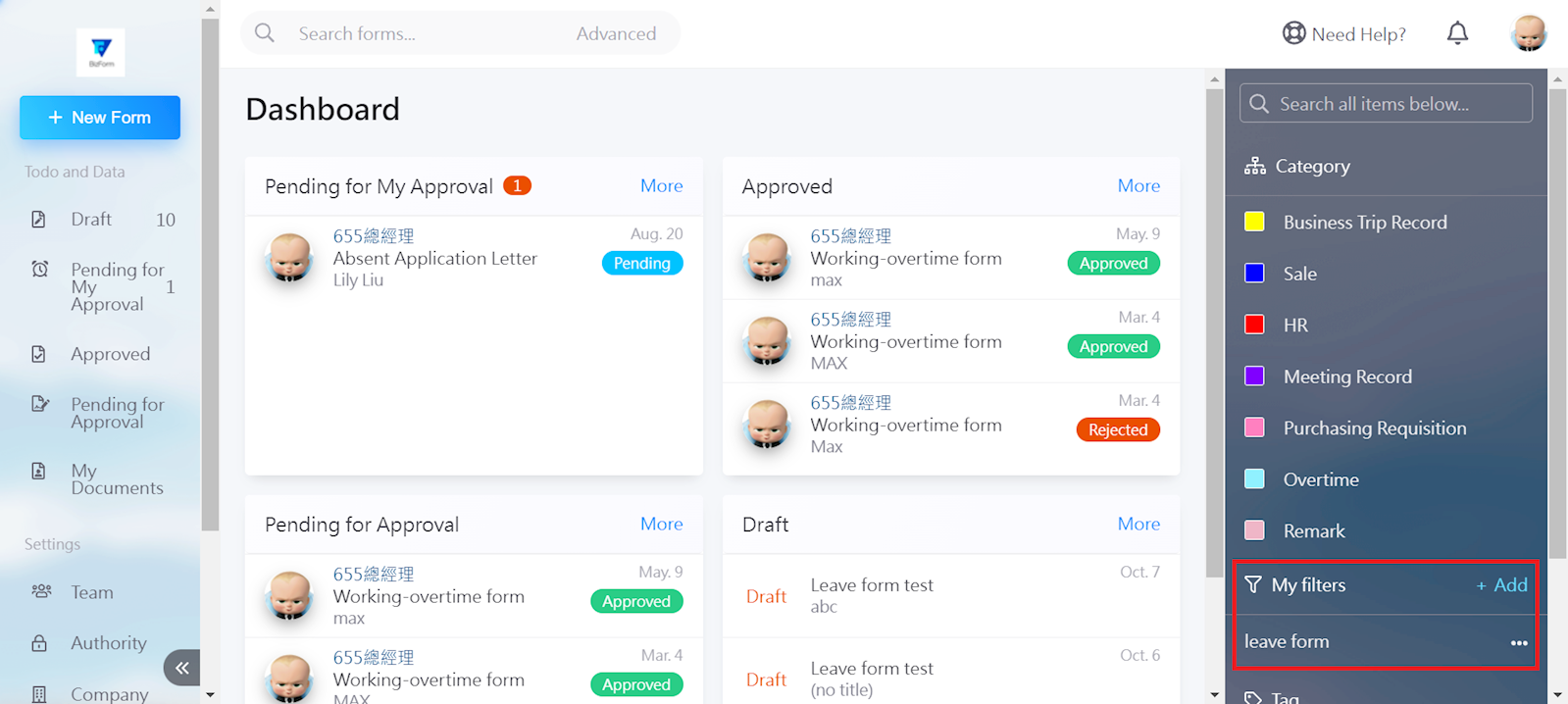
The filter can now be seen in the work menu of the homepage.
https://faq.vitalyun.com/EN/BizForm#2950