
Vital BizForm
How do I add an organization/group as approvers?
*New version only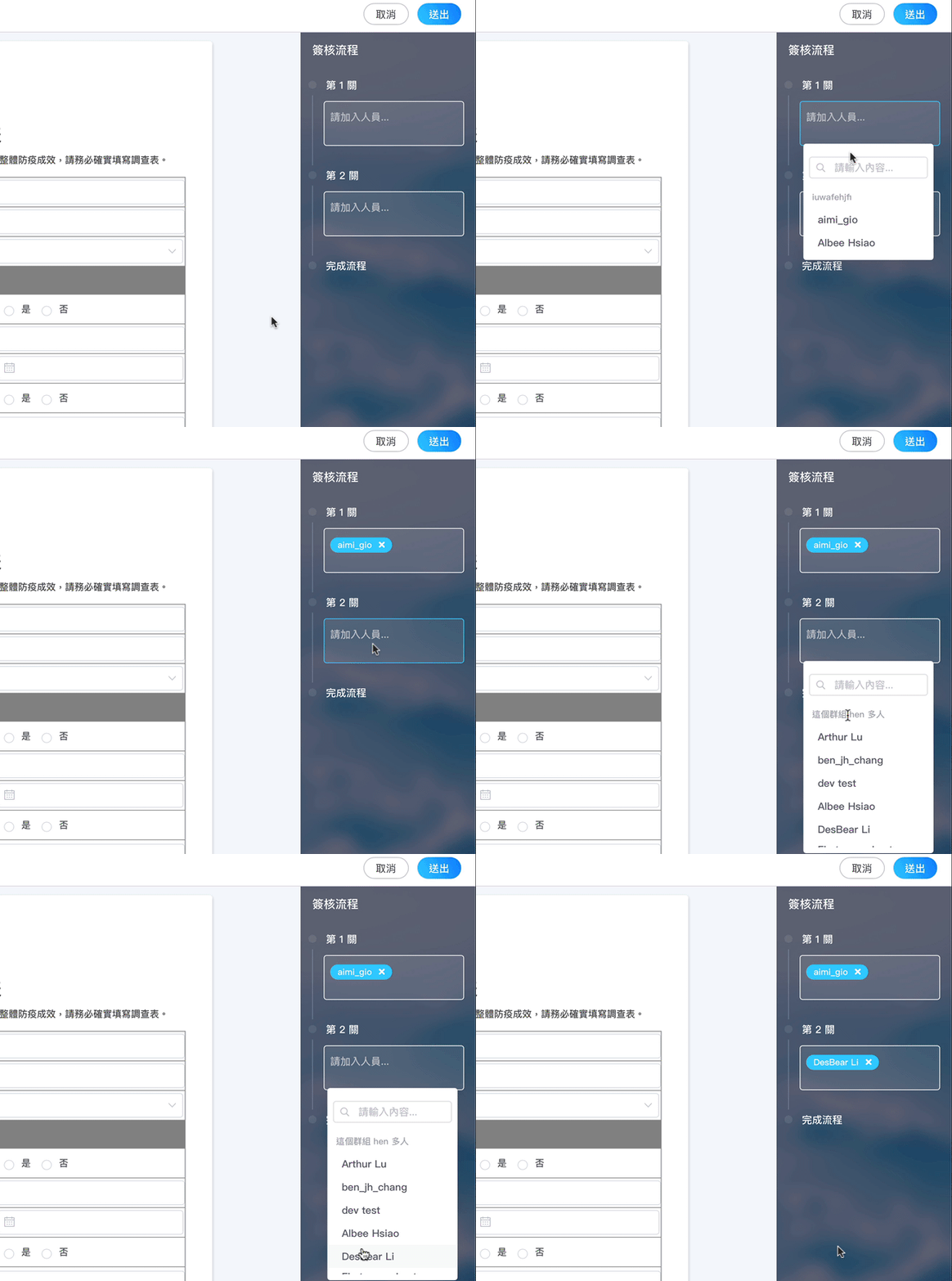
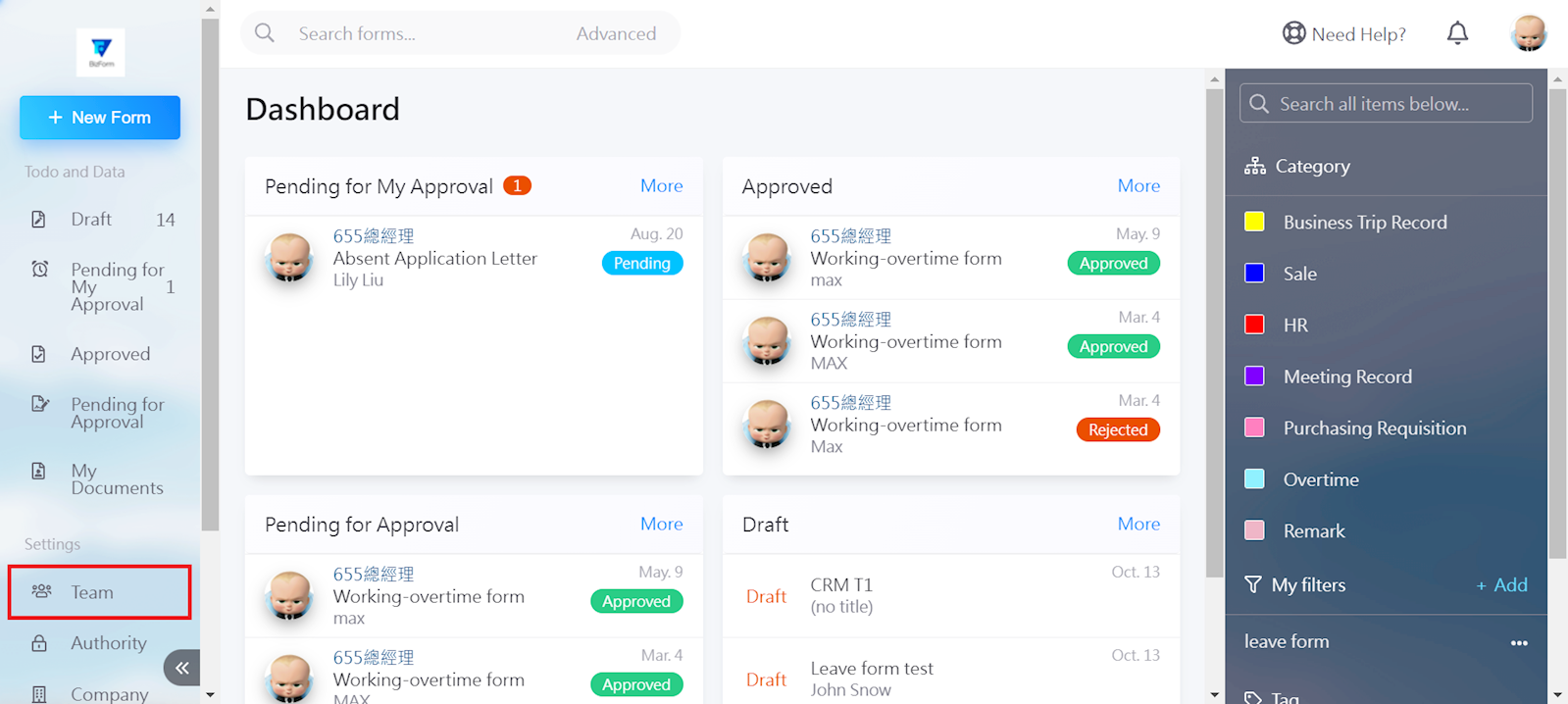
Go to [Team] in the left menu to add an organization or group.
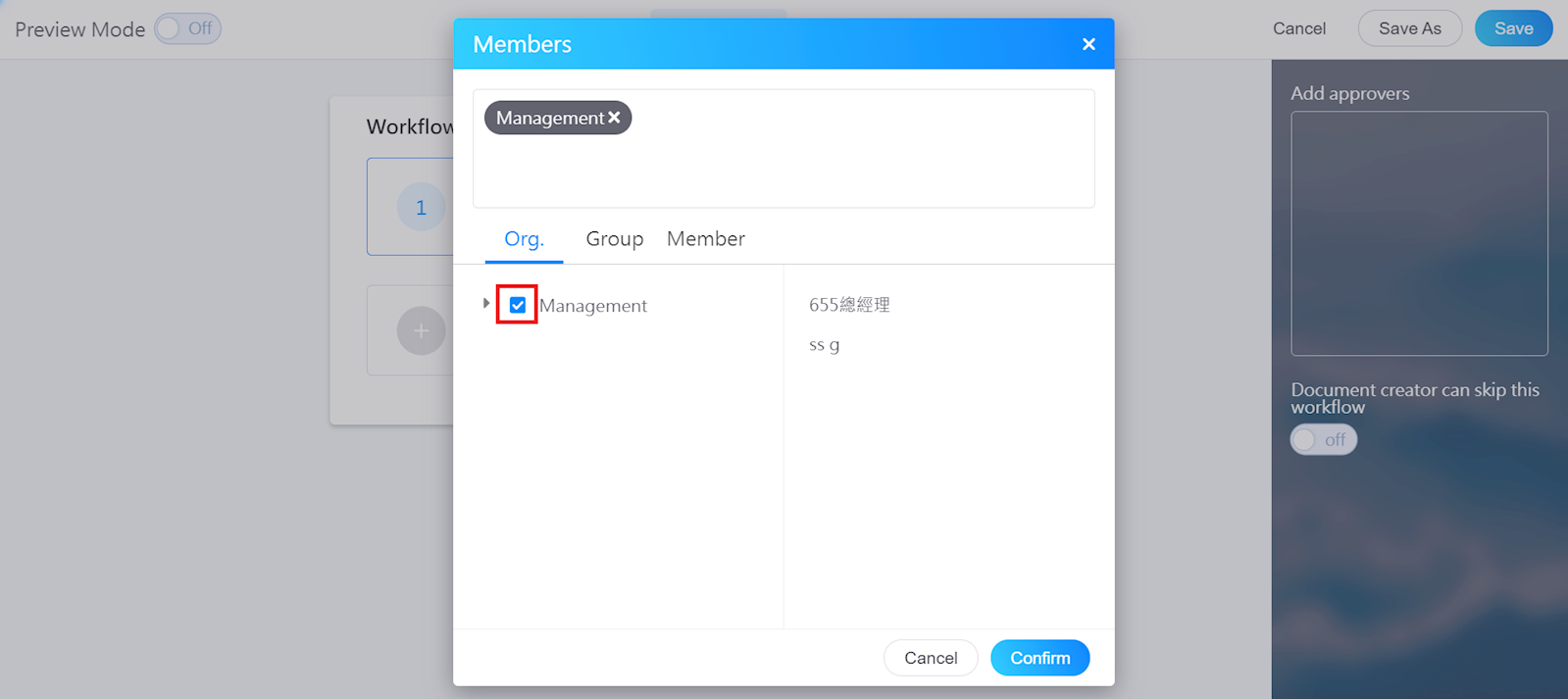
Enter the Work flow settings in the form, and check the organization or group name.
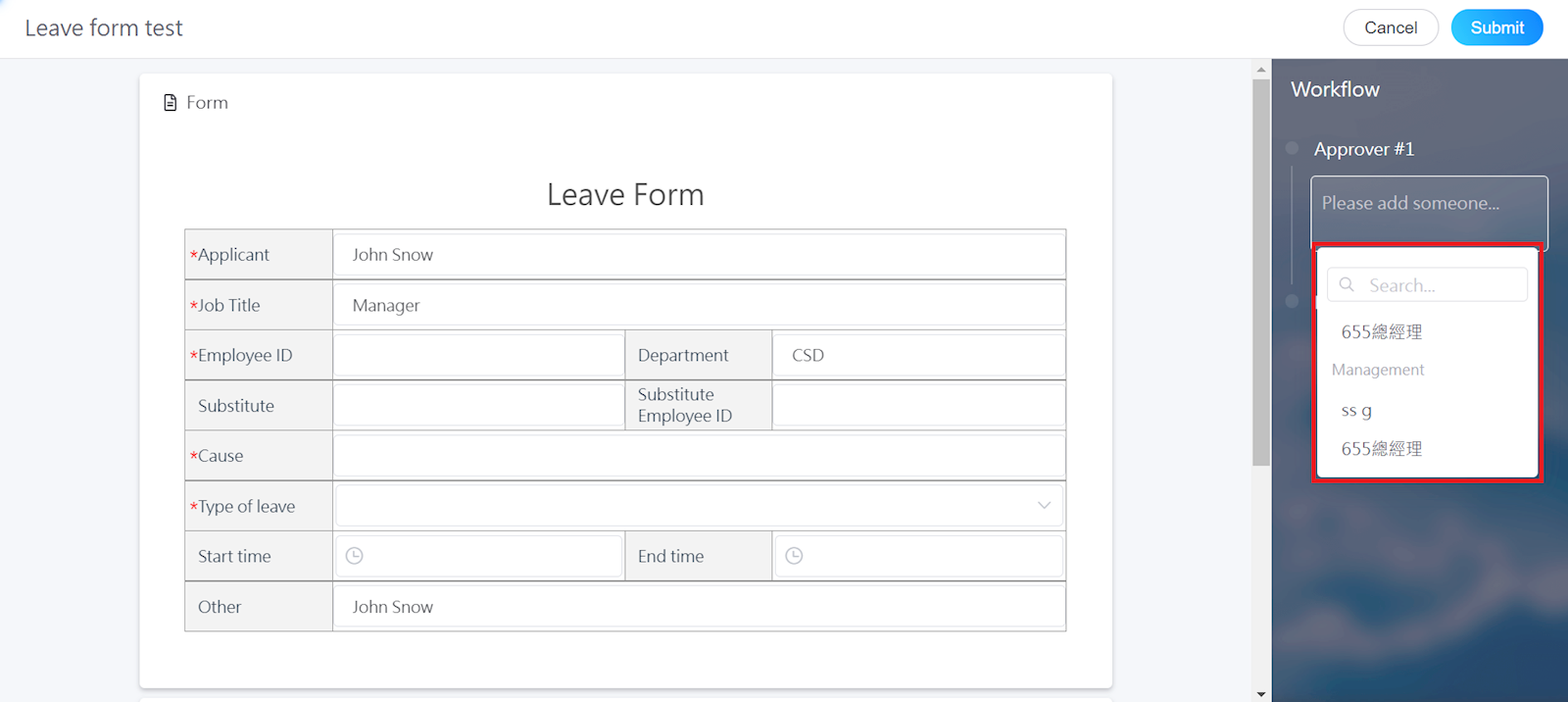
The applicant can choose approvers directly from the list.
*If there are changes to the members in the organization or group, the list of users in the Workflow section will also be changed automatically. There is no need to modify the form.
https://faq.vitalyun.com/EN/BizForm#2955