
Vital GL
How can I quickly generate income vouchers through sale voucher input function?
Using the sale voucher input function, you can export input/output media files (Ministry of Finance format) from your company's e-invoice system, and automatically generate the corresponding income vouchers to save time.
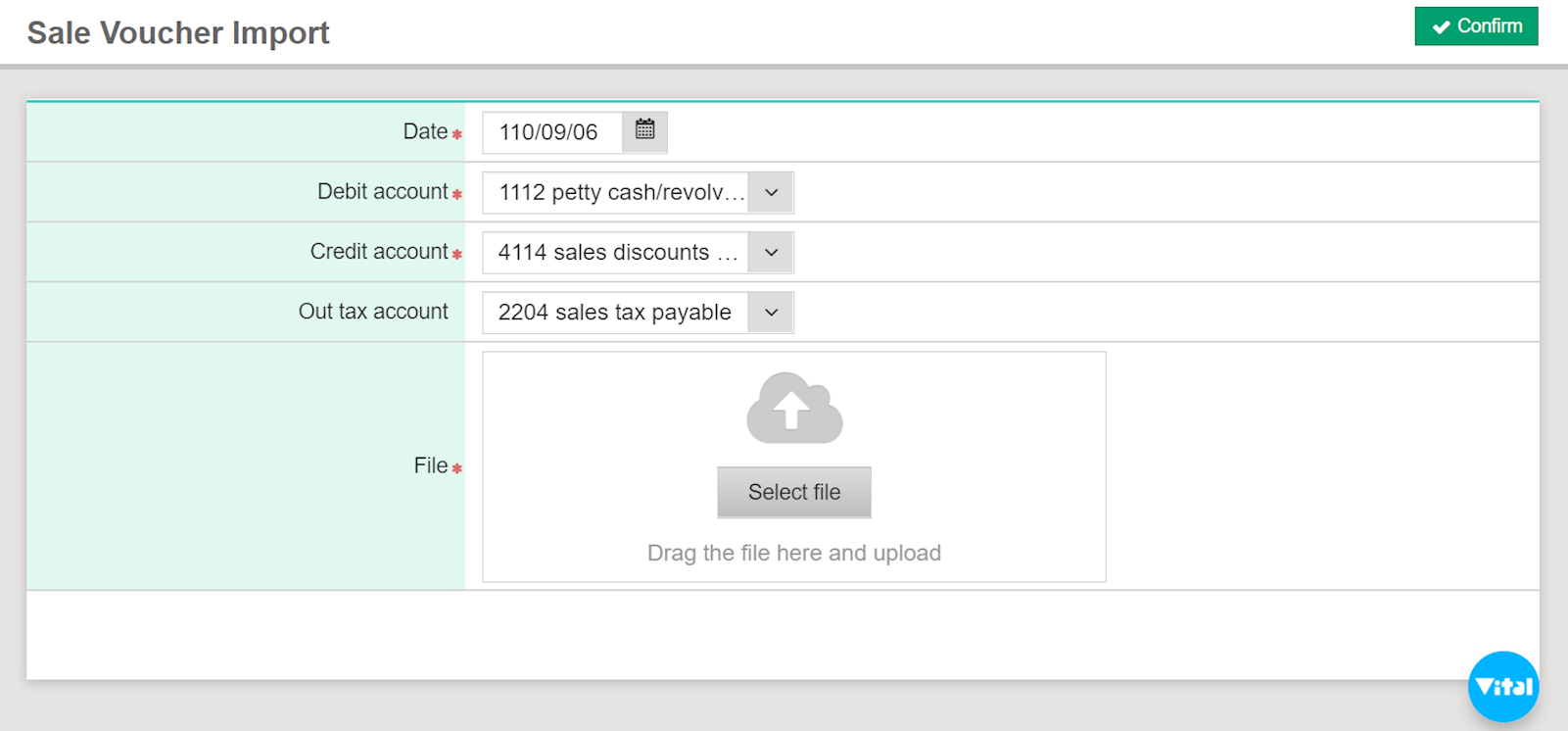
1. Go to [Daily work] > [Sale voucher import], assign the date, debit and credit account, out tax account, then select [Confirm].
*Restrictions: "Record invoice number" in [Maintenance] > [Parameter setting] should be checked in order to enable the function. If "Separate tax registration" is also checked, you should select the "Sales tax payable" option before uploading.
2. After uploading, the system will show the results and voucher number.
3. Input vouchers can be inquired at [Daily work] > [Voucher input].
https://faq.vitalyun.com/EN/Finance#2833