
Posting process-Deferred accounts explanation
If you have unearned revenue/expenses that should be transferred to the Vital General Ledger (GL) system, first transfer the account to GL, then transfer the revenue/expenses regularly after setting the "Voucher reminder."
1. Preparation
Path: [Maintenance] > [Parameter setting]
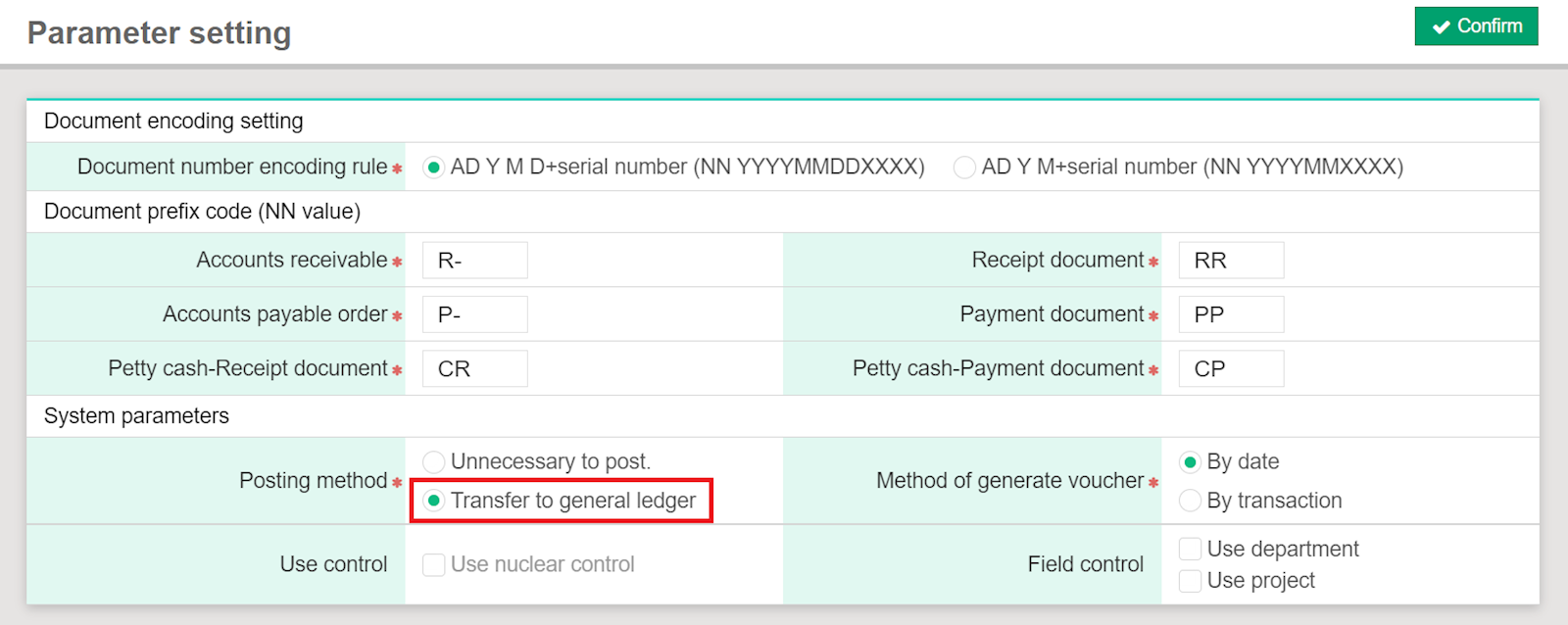
2. Settings
Path: [Maintenance] > [Accounts receivable setting] > [Account type], [Receivable method]
[Maintenance] > [Accounts payable setting] > [Account type], [Payment method]
[Maintenance] > [Petty cash setting] > [Receivable/Payment method], [Receivable item], [Payment item]
The deferred opening controls must be enabled in the GL system, and one of the accounts should be set as the deferred account. Once the code 1263 is met with the above settings, the system will show a deferred settings column when 1263 is selected in the "Code" column.