
Vital BizForm
How can I save forms as en external link?
After setting the form link as public, others can have access to the form using QR code or link, no account is needed.
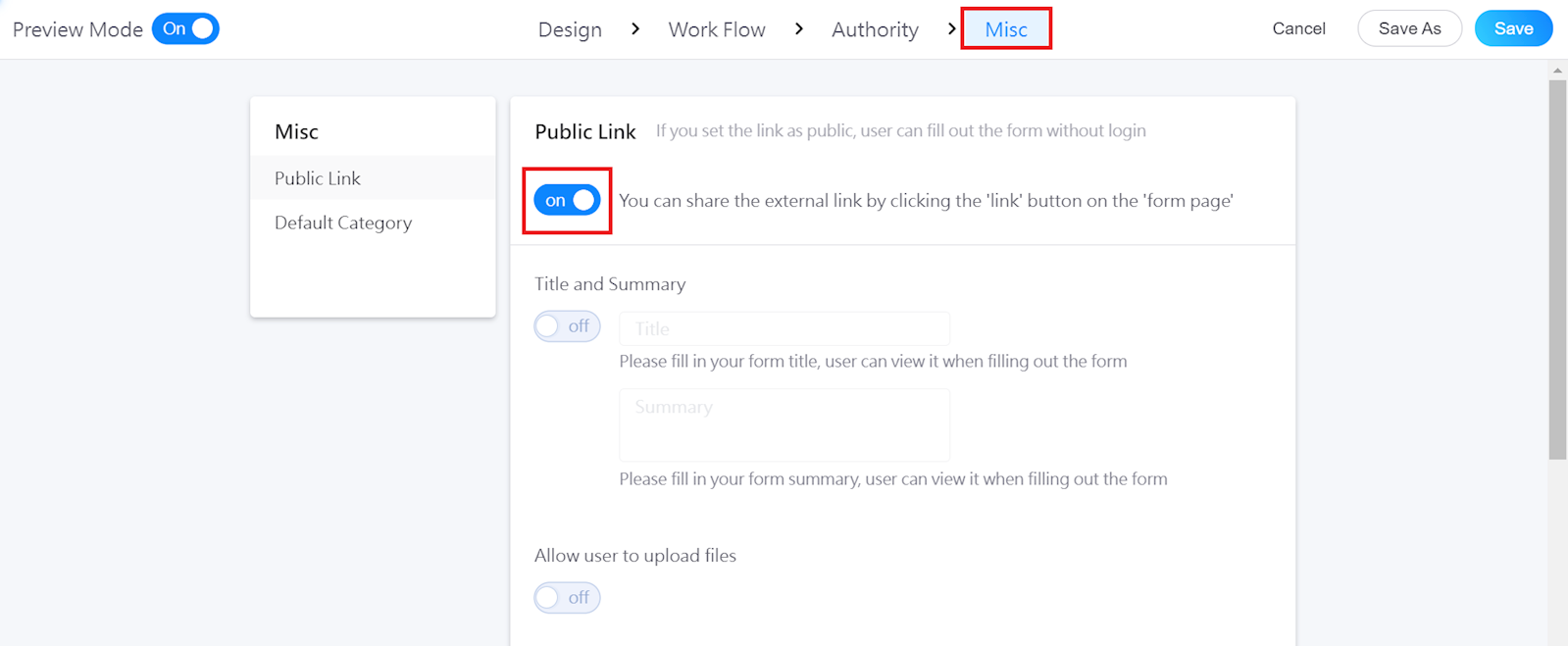
Go to [Misc] in the top menu, and turn on "Public Link."
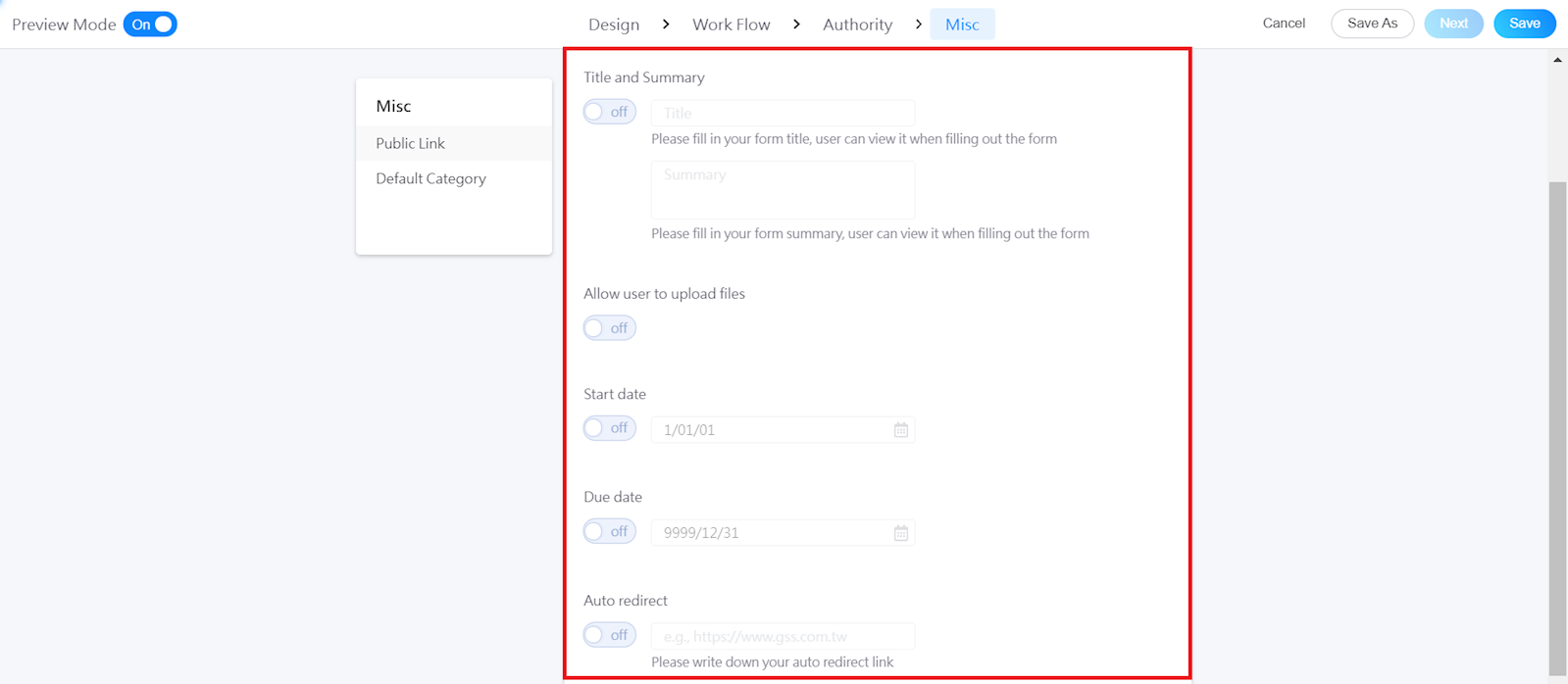
Enable the functions that you need below, and click [Save].
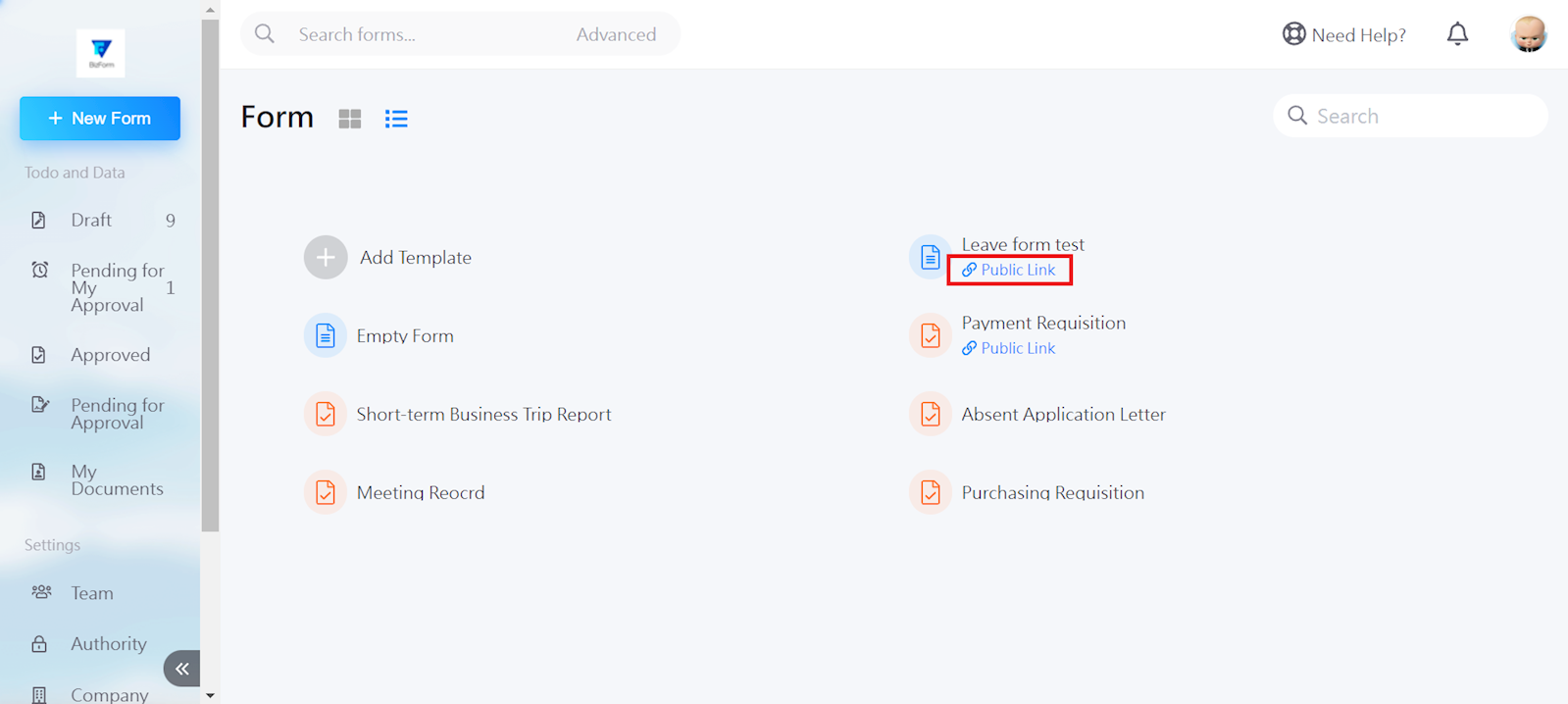
Once saved, return to the Form interface and click [Public Link] below the form name.
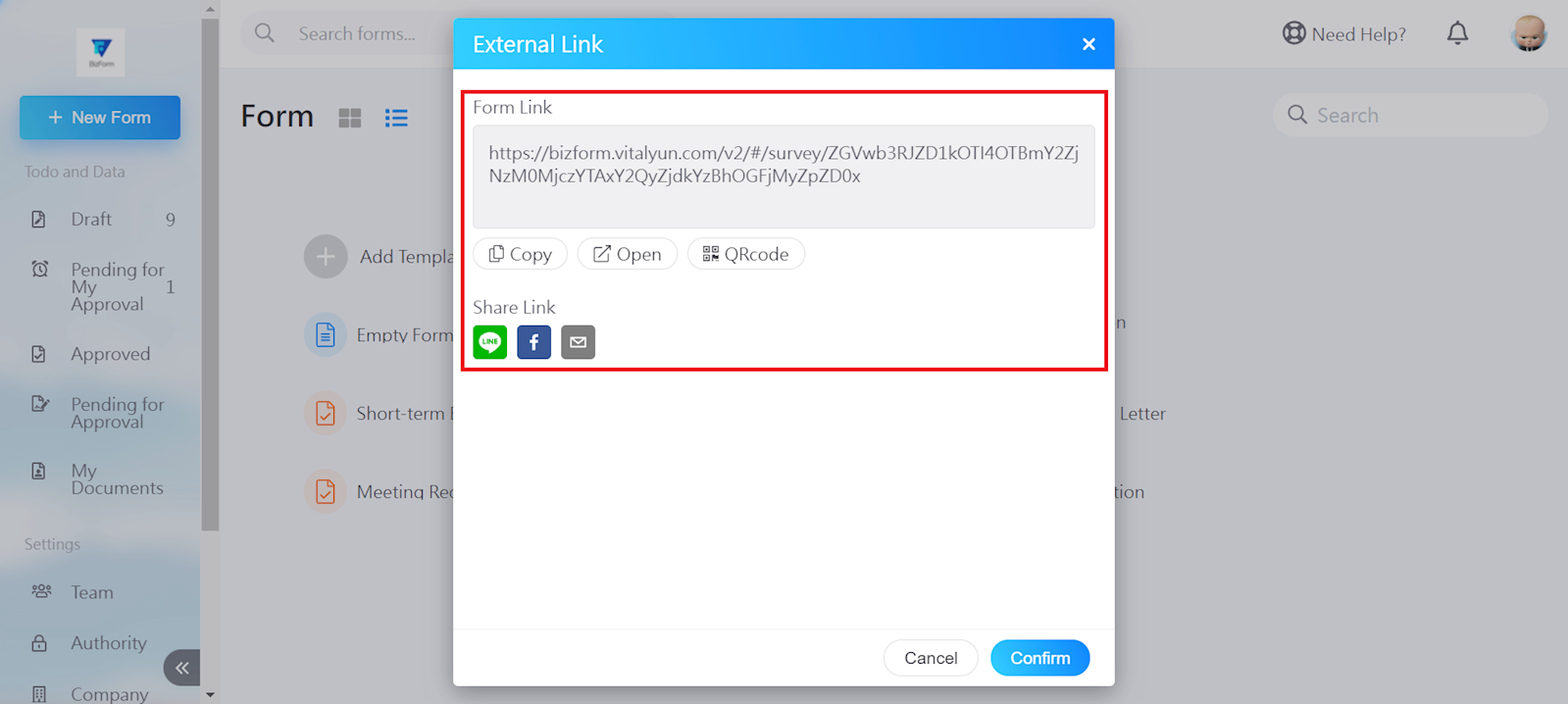
An external link will be provided. You can choose to share the link through Copy, Open, QR Code, or even though Line, Facebook, or email.
https://faq.vitalyun.com/EN/BizForm#2928