
Vital GL
How to add income and expenditure statement?
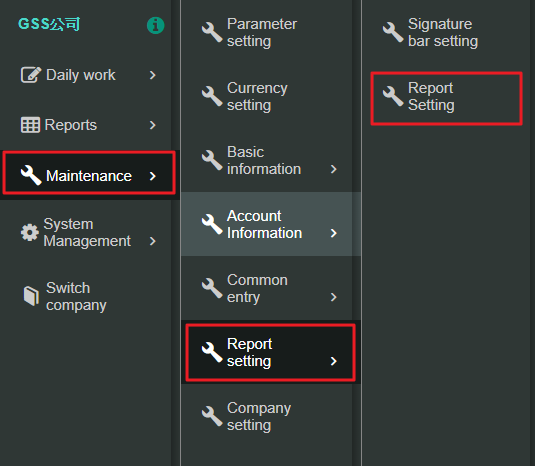
1. First, please click [Maintenance>Report setting>Report setting]
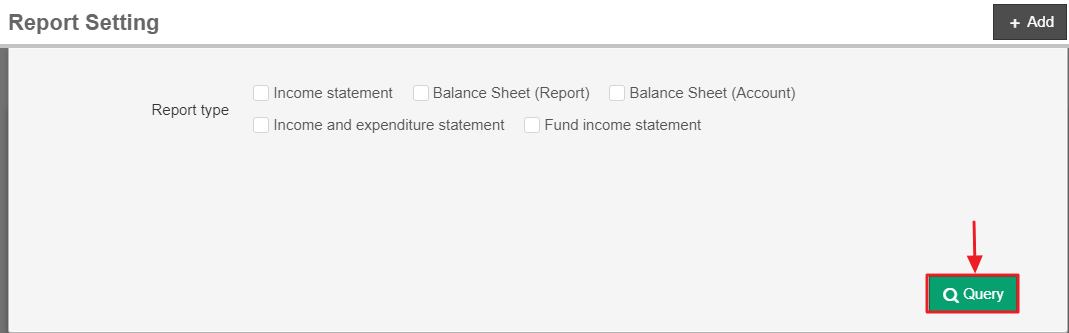
2. Next, click [Query] in the bottom right of the corner.
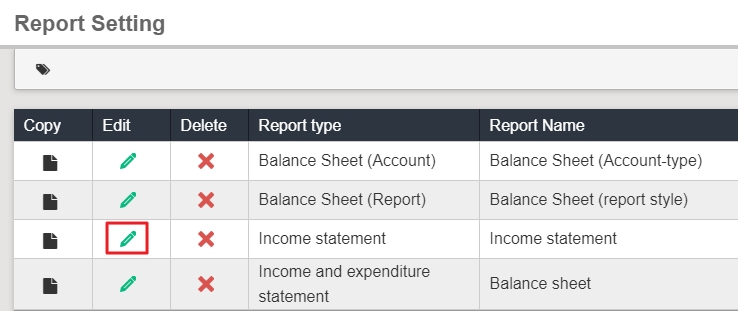
3. Third, find income statementand click [Edit]
4. Fourth, please click [Add] on the left
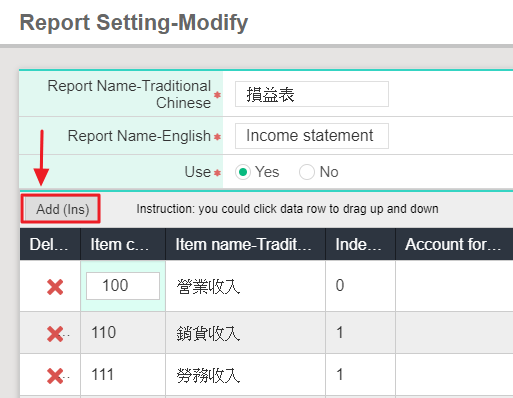
5. Last, please scroll down the list, the one you added is at the bottom, ad please click [Edit].

https://faq.vitalyun.com/EN/Finance#1236