
How to do expense allocation when the expense happens?
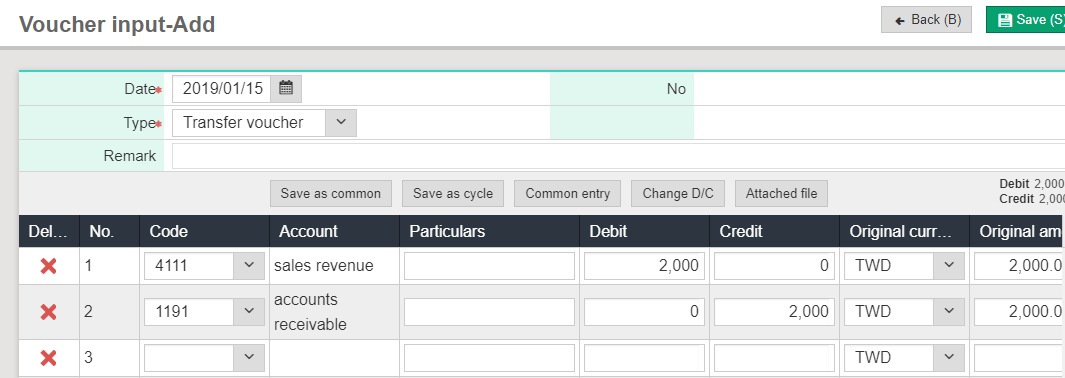
1. Please go to [Daily work>Voucher input] and [Add], then please start adding expense voucher which you would like to do dapartment allocation.
2. After inputting the voucher, please go to [Maintenance> Basic information> Department number/seat number setting] to check if number of departments or number of seats have to be changed.

3. Click [Daily work>Remind voucher] and select [Expenses allocation entry] to query.
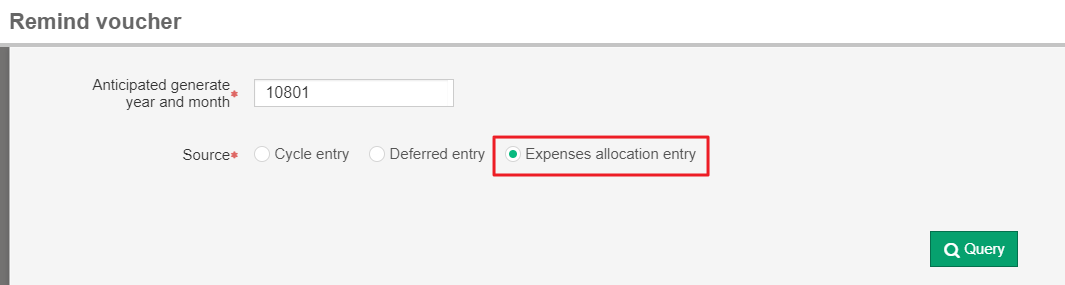
4. Please check if the date of the voucher is specified; after selecting the date, please select the item you would like to generate the voucher and click [Generate voucher].
5. Check if the content is correct. Go to [Daily work>Voucher input] and click [Back] to find the voucher you have generated, then click view to check if the amount and department code are correct.