
Vital GL
How to use common entry?
*Common entry: Save common voucher as template(No limitation)
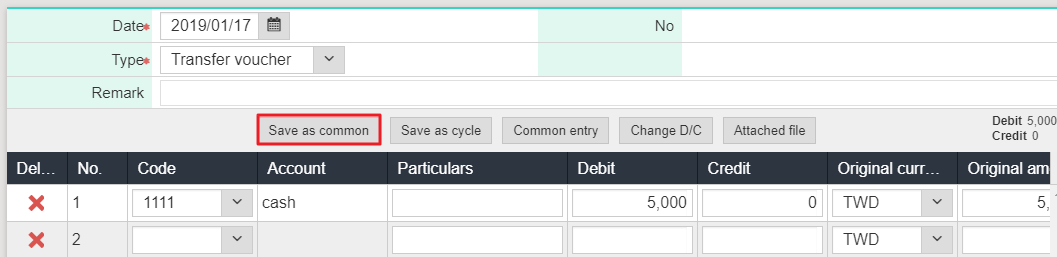
1. Please click [Daily work> Voucher input], and after add a new voucher, please click [Save as common].
2. After inputting code, name, type and access mode, please click [Save].

3. If you would like to input the voucher in the future,you are able to select the common entry to input quickly.

https://faq.vitalyun.com/EN/Finance#1259