
Vital GL
How does the Budget input function work?
Path: [Daily work] > [Budget input]
1. Select [+Add] to set up budget.
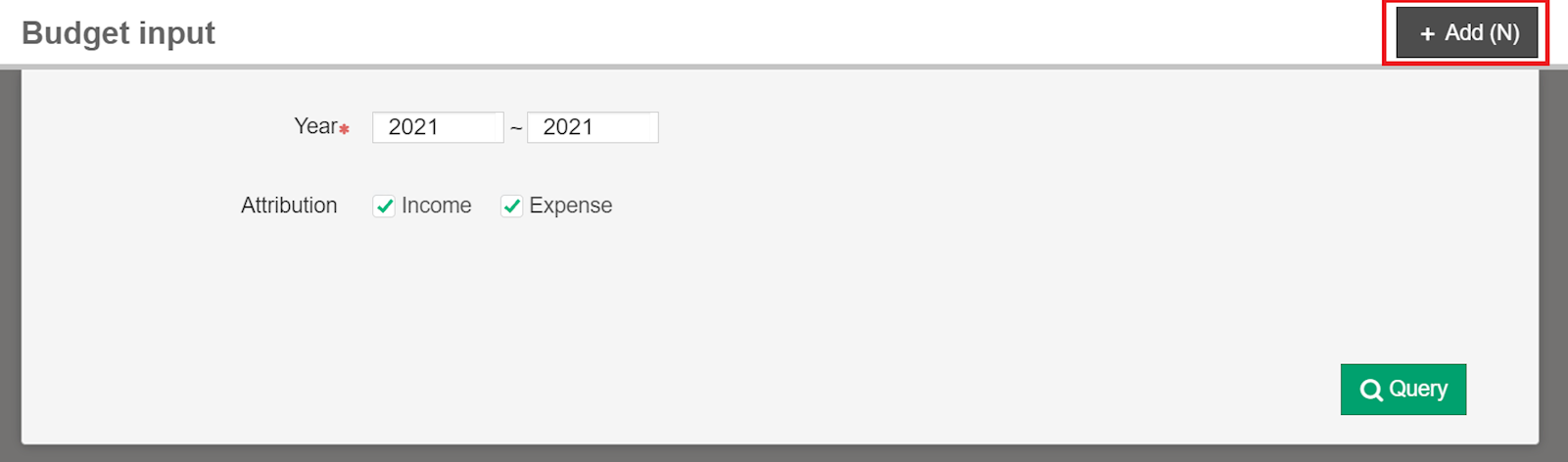
2. Select the year and attribution, and click [Next].

3. Select department budget, and click [Next].

4. After entering the number, click [Save] to finish.
https://faq.vitalyun.com/EN/Finance#2799