
Vital BizForm
How do I delete a form?
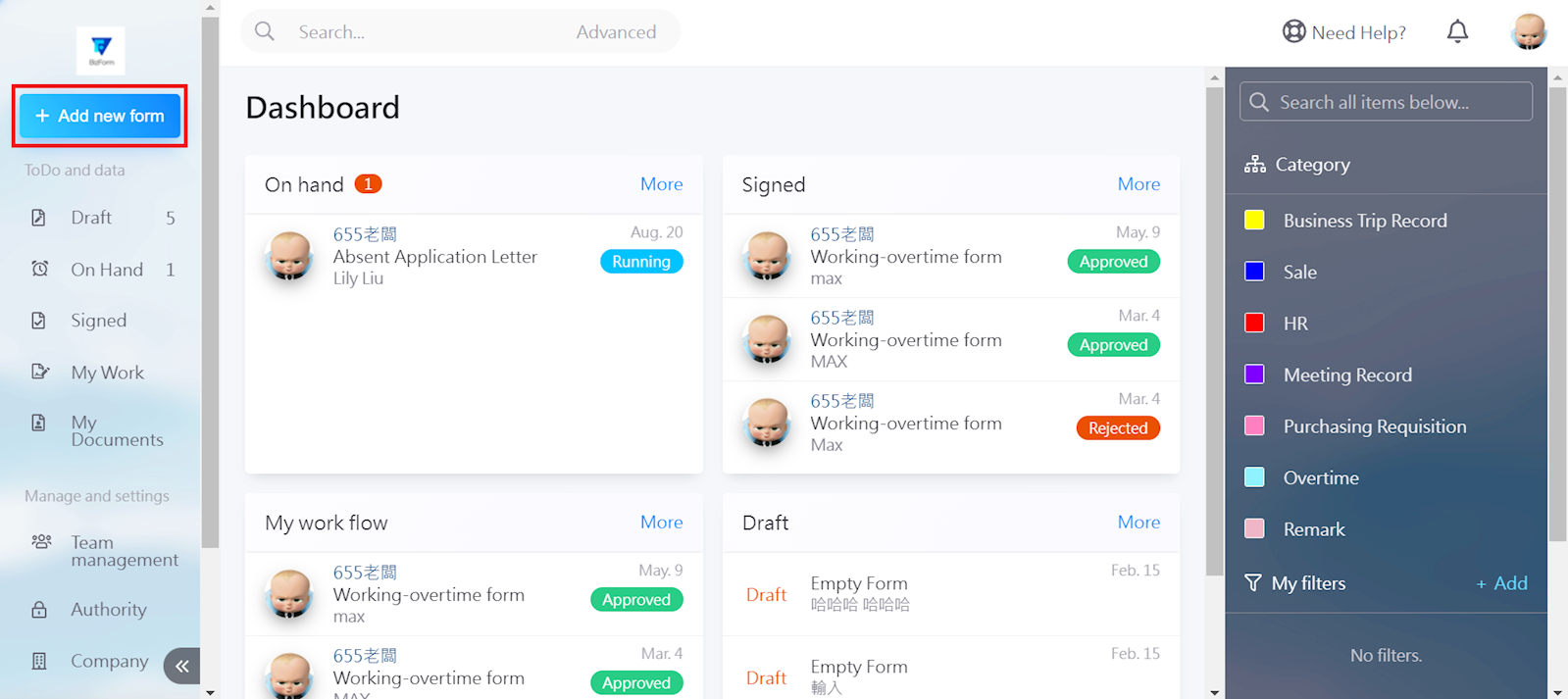
If you wish to delete an existing form, select [+Add new form] in the top left corner of the menu.
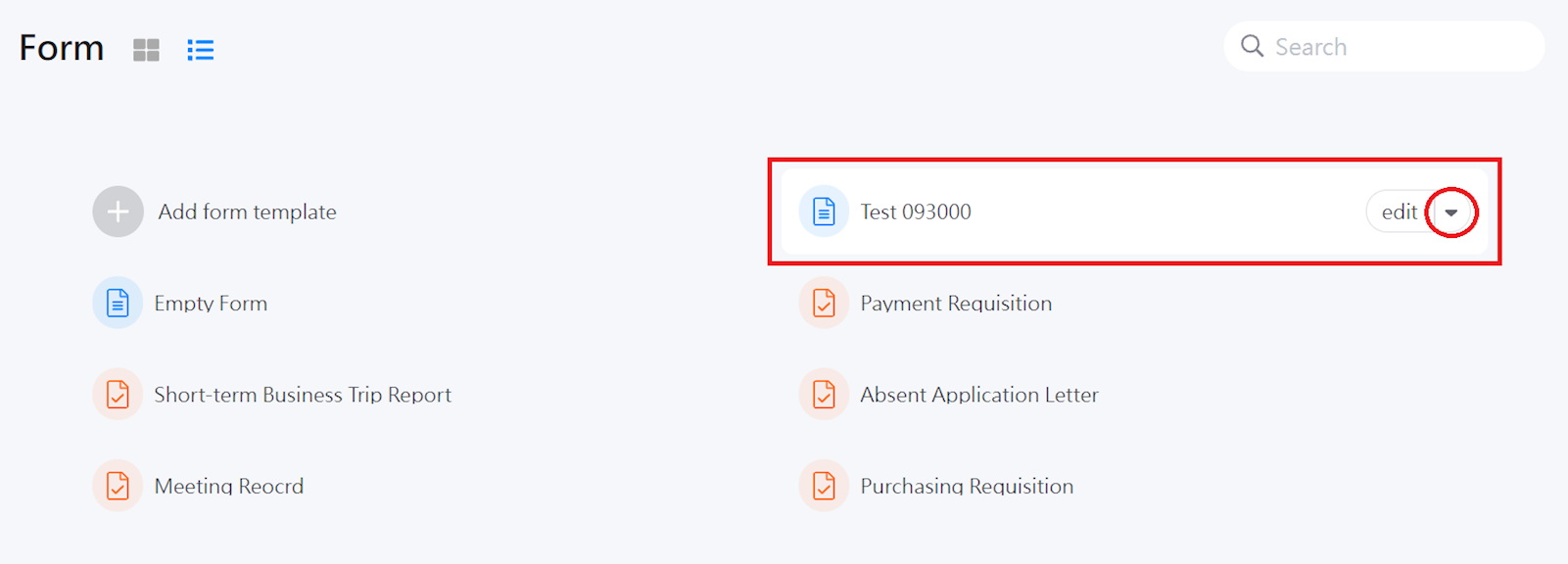
Move the cursor to the form you wish to delete, and click on the [▼].
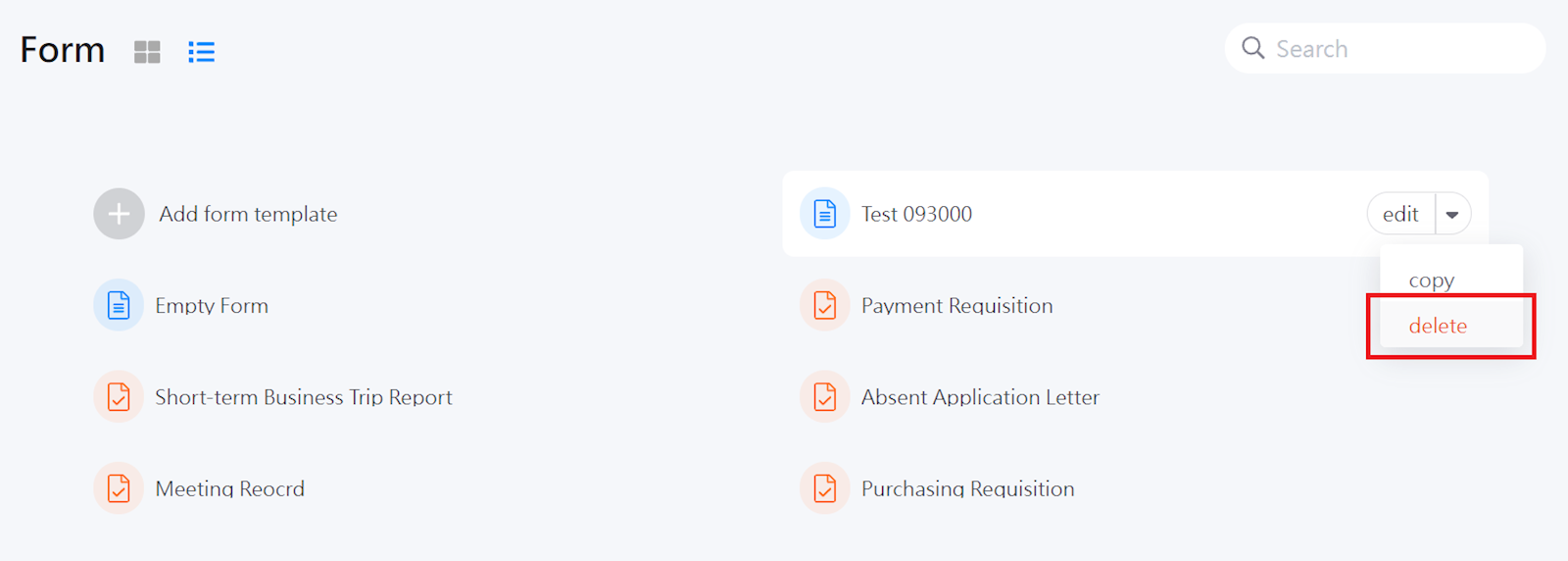
Select [delete].
https://faq.vitalyun.com/EN/BizForm#2898