
Vital BizForm
How do I add work flows to an existing form?
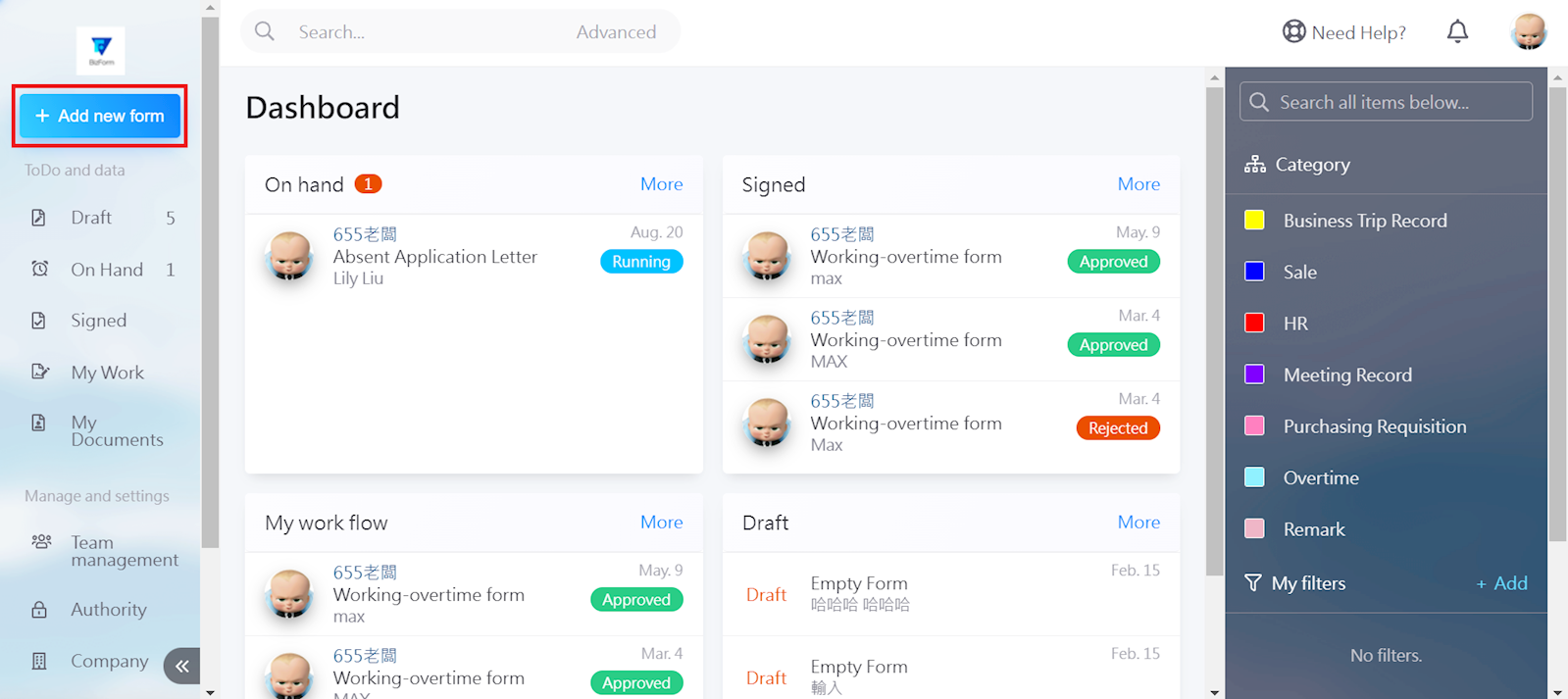
Select [+New Form] in the top left corner.
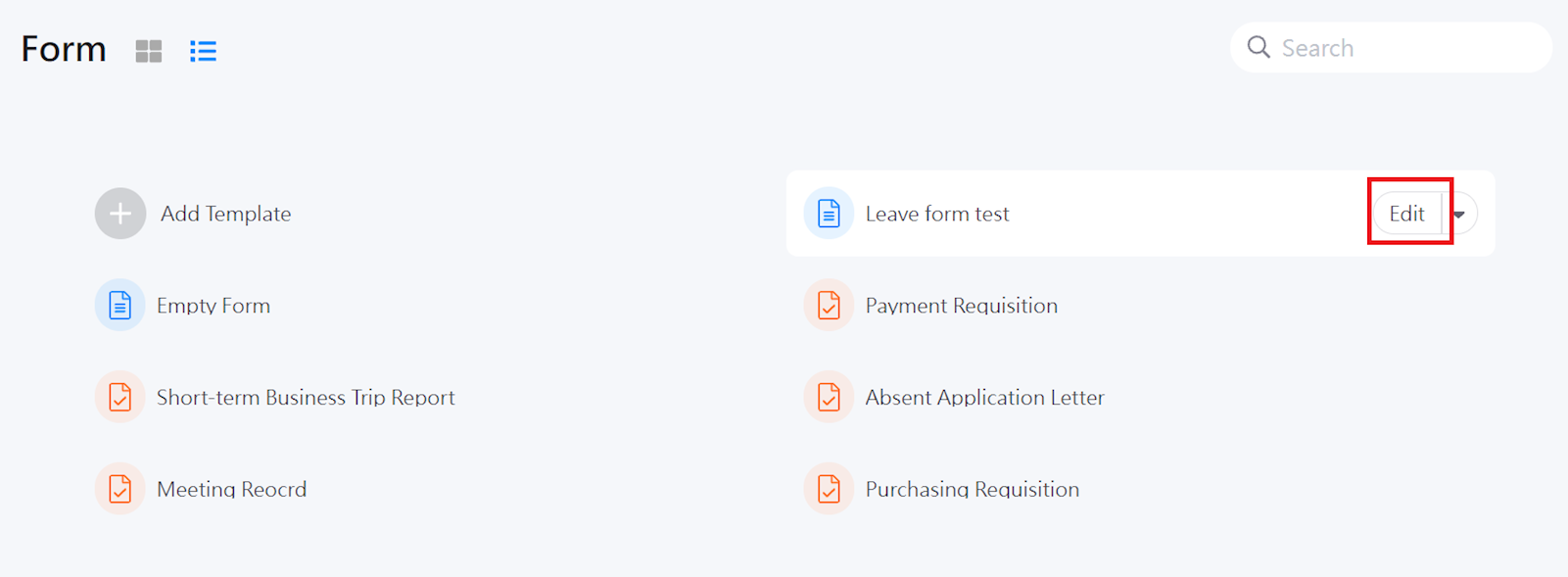
Move cursor to the form you wish to edit, and click [Edit].
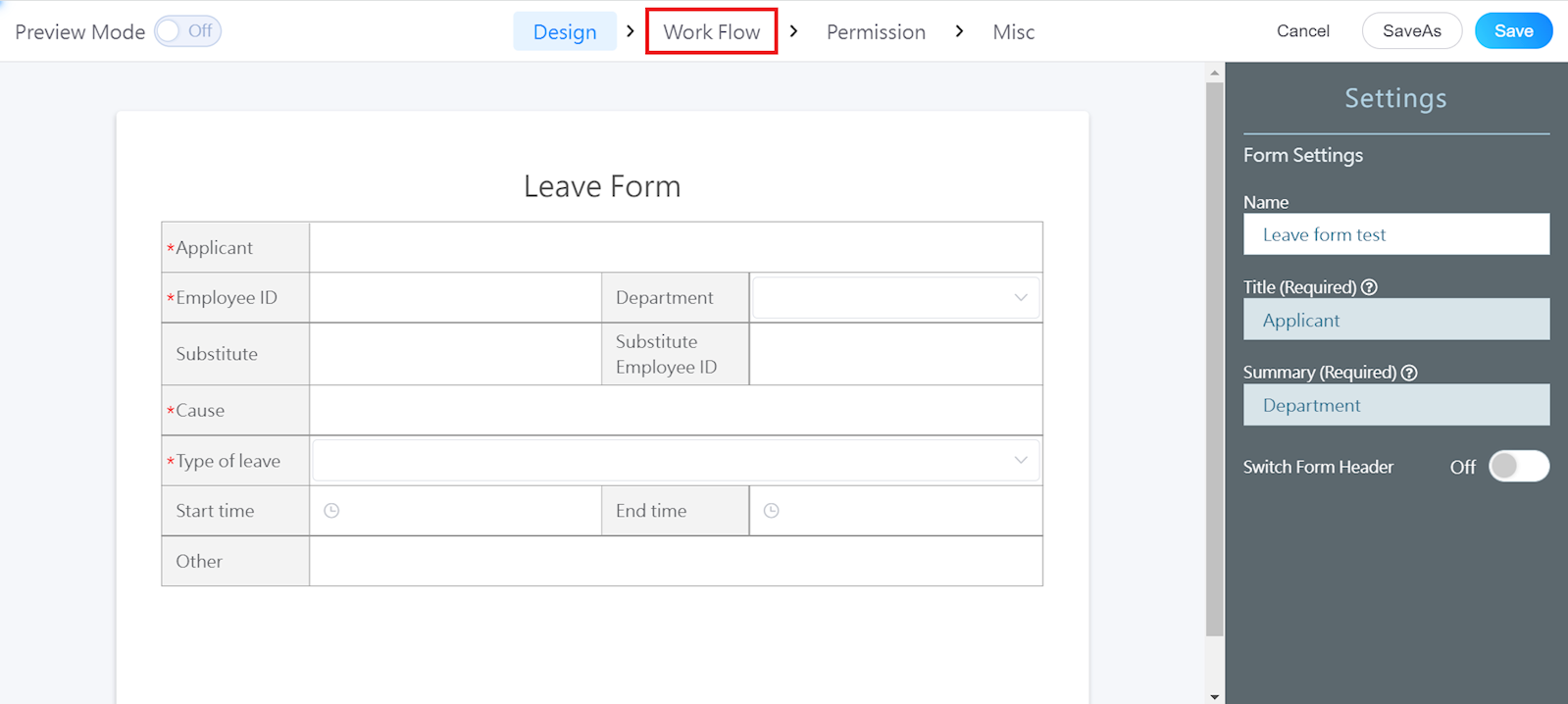
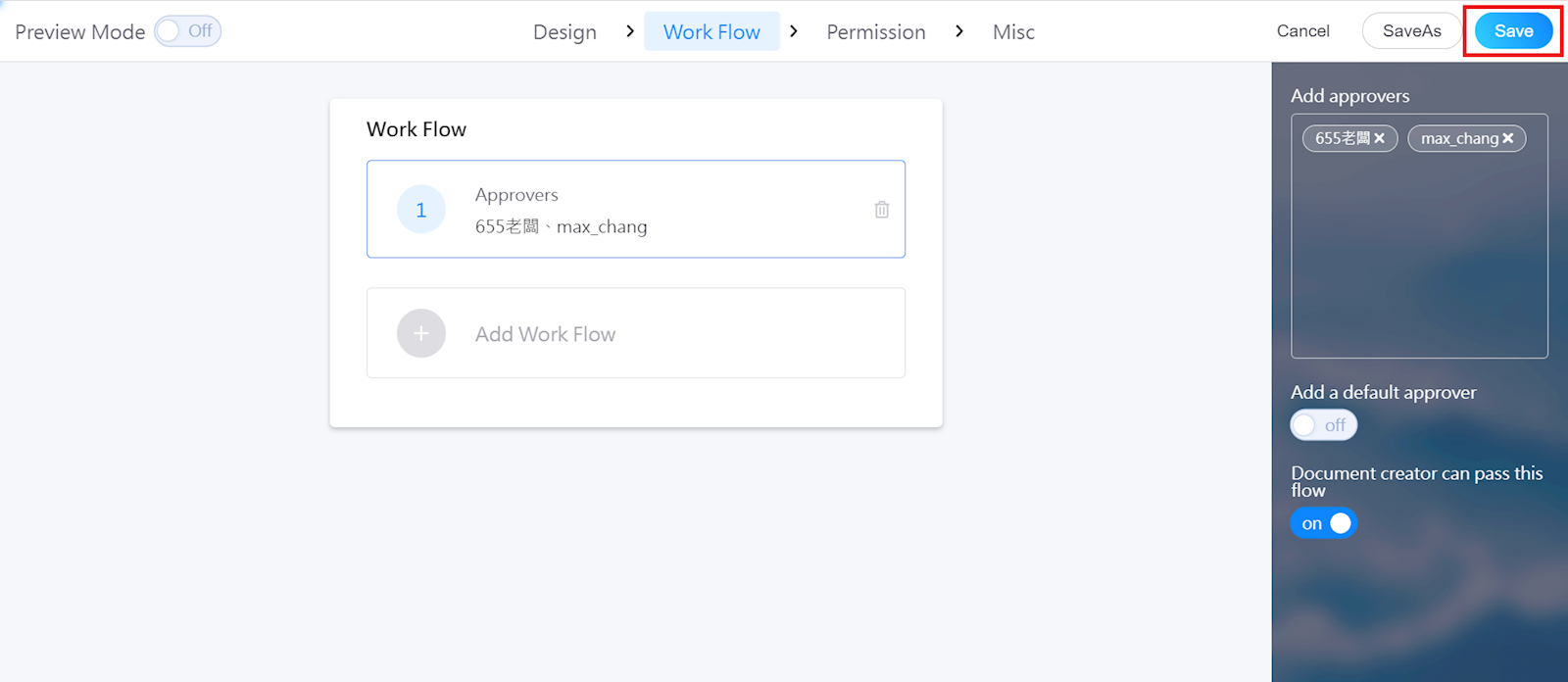
Select [Work Flow] in the top bar, and [+Add Work Flow].
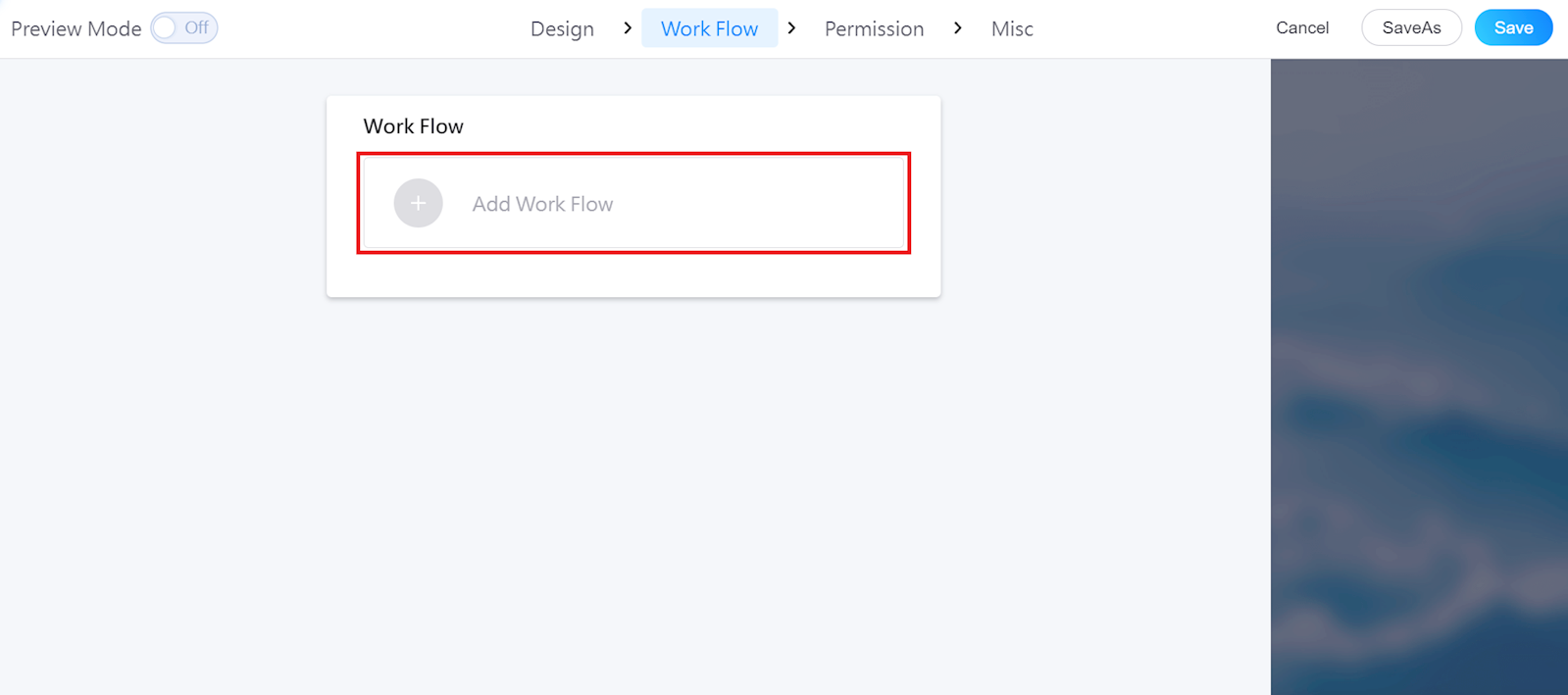
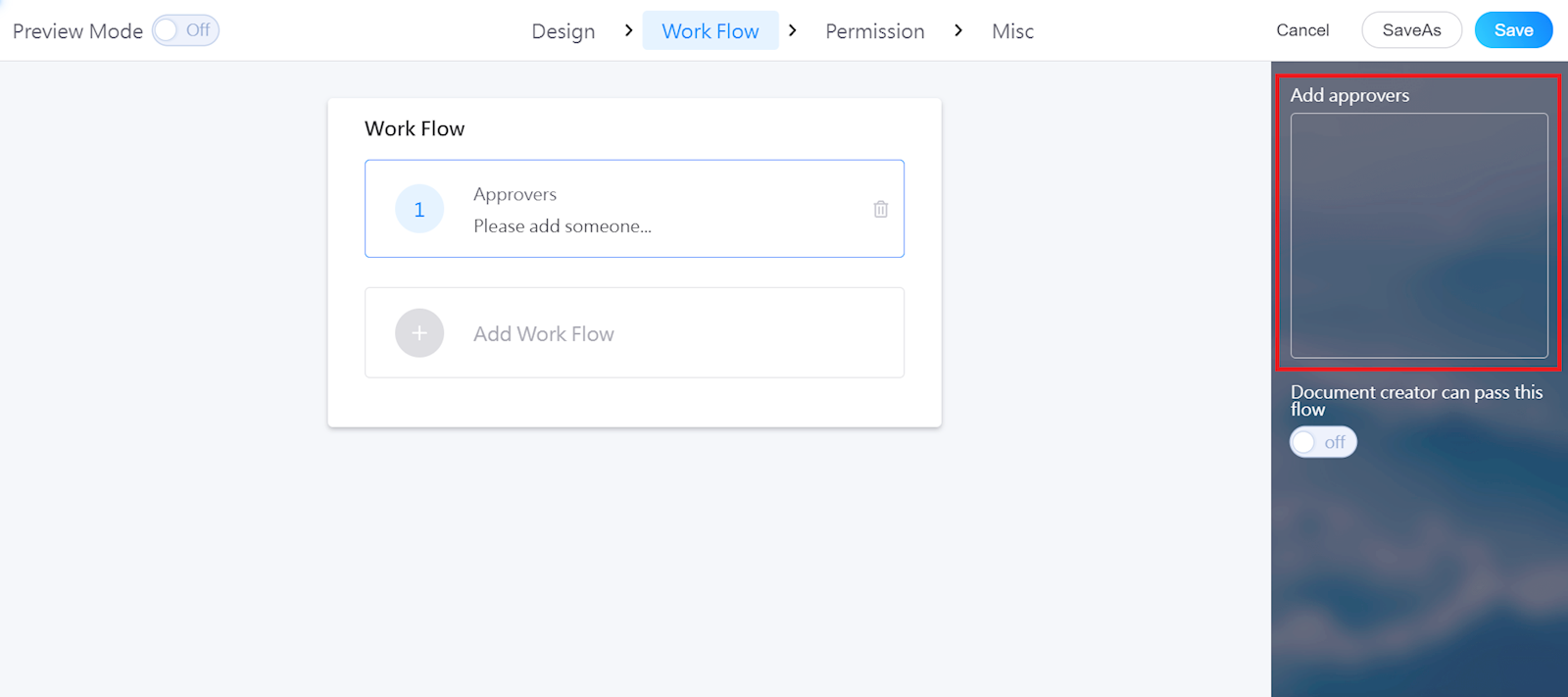
You can add approvers in the right menu.
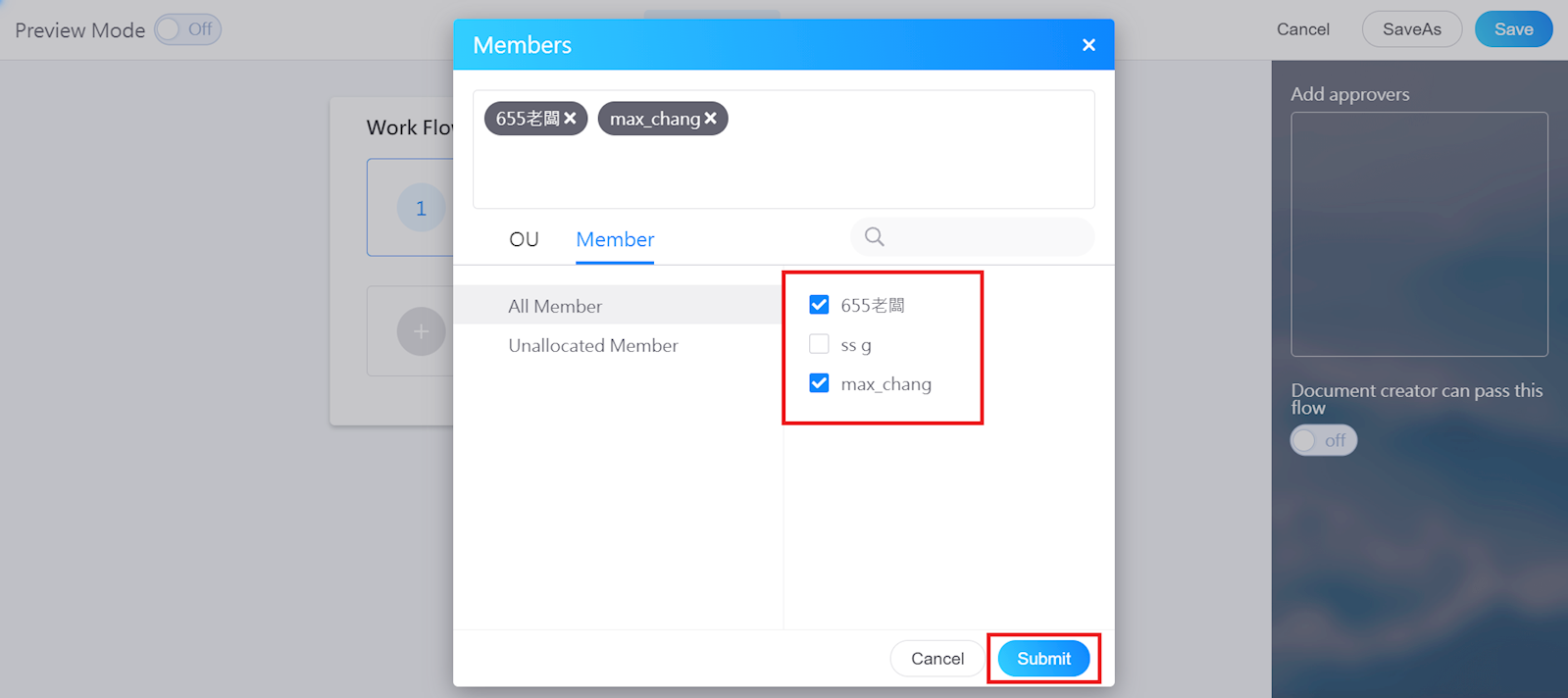
After selecting the approver(s), click [Submit].
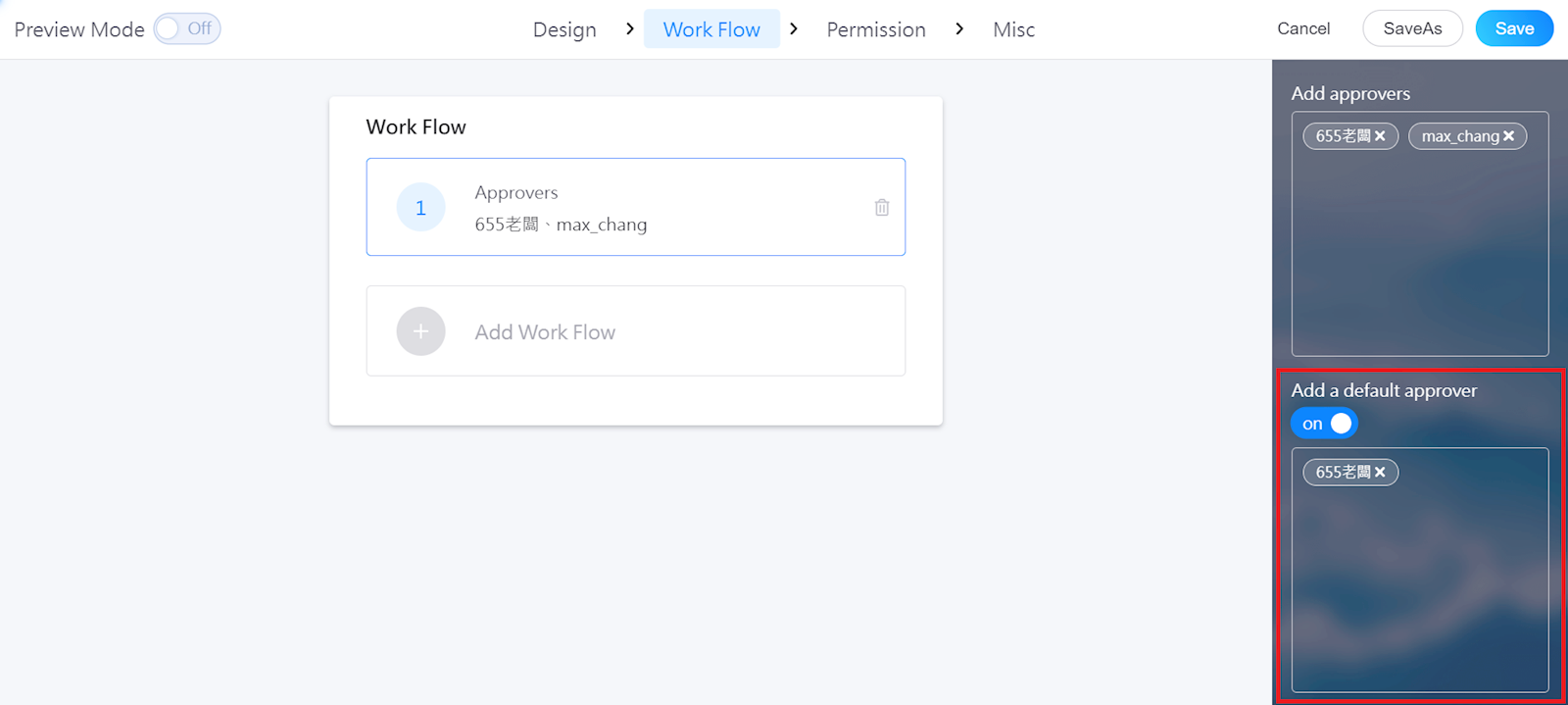
You can also add a default approver by enabling the function and selecting the member(s).
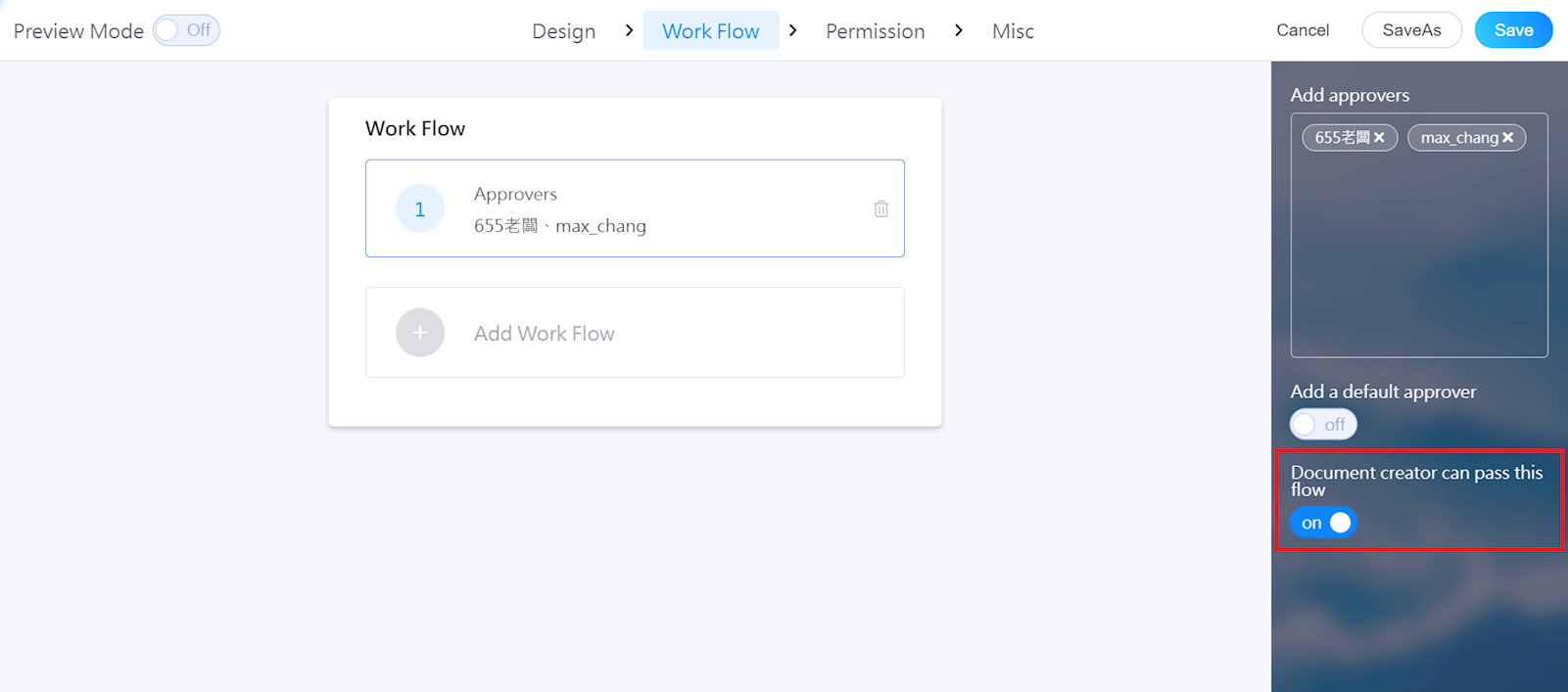
You can also turn on "Document creator can pass this flow" to skip this step.
Once done, select [Save] to finish.
https://faq.vitalyun.com/EN/BizForm#2910