
Vital BizForm
How do I automatically add seals when filling out a form?
1. First, go to [Account] to set up a personal seal.
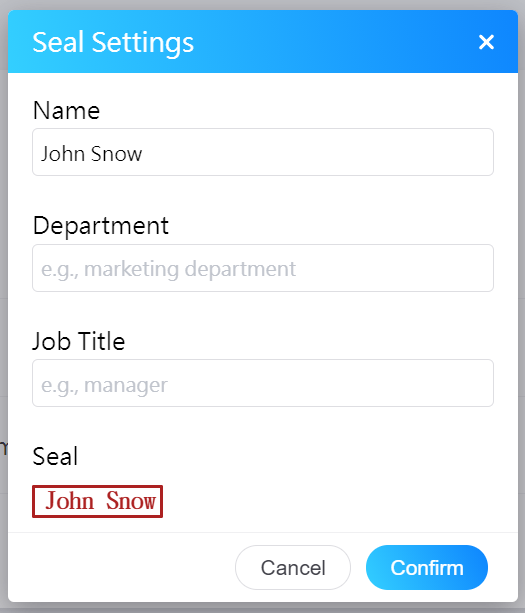
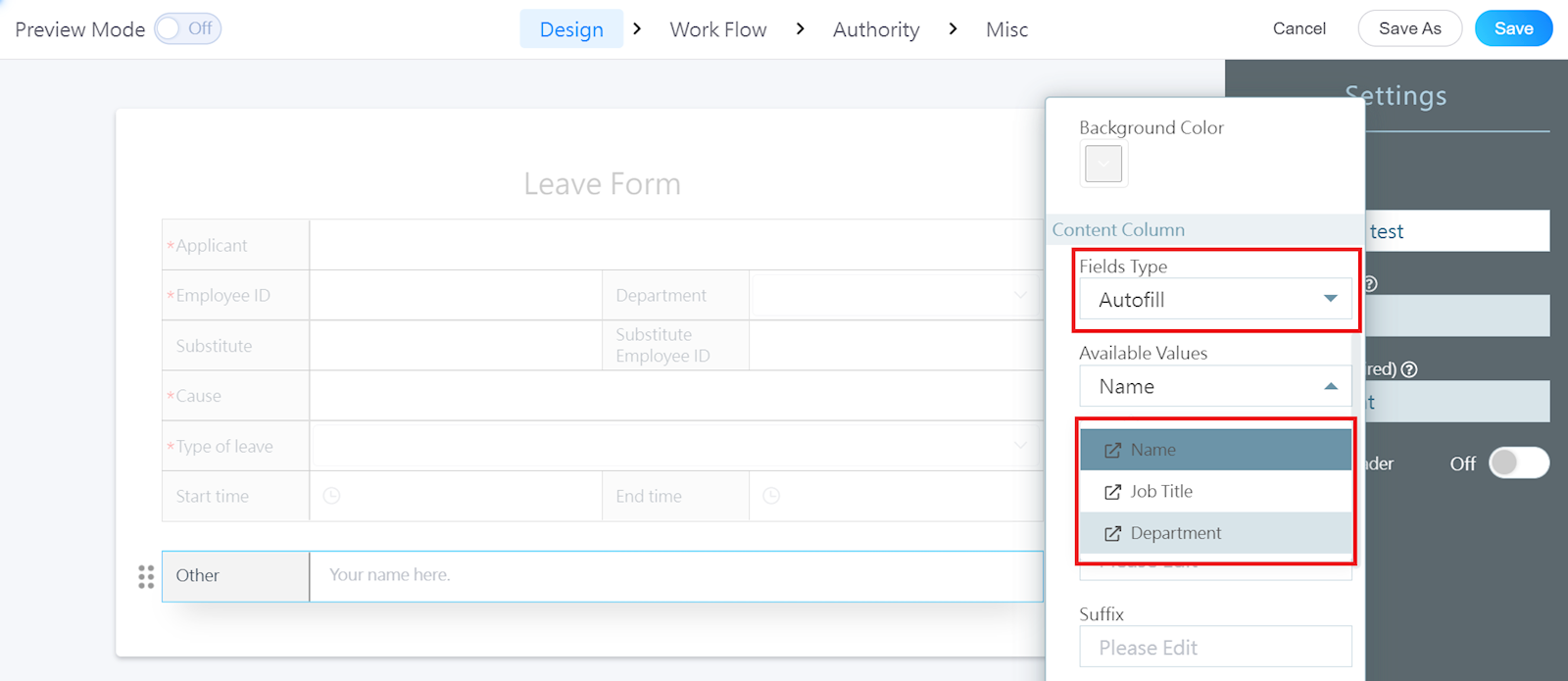
2. When creating a form, change the "Fields type" to "Autofill". The "Available values" field can be changed to "Name", "Job title", or "Department".
3. Every time you fill in a form, the set fields will be filled in automatically.

https://faq.vitalyun.com/EN/BizForm#2952