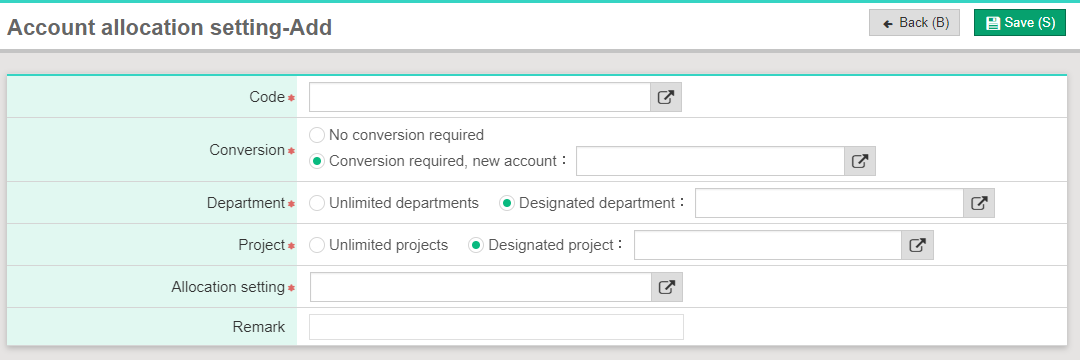
If I would like to allocate one expense to two departments, how to set up?
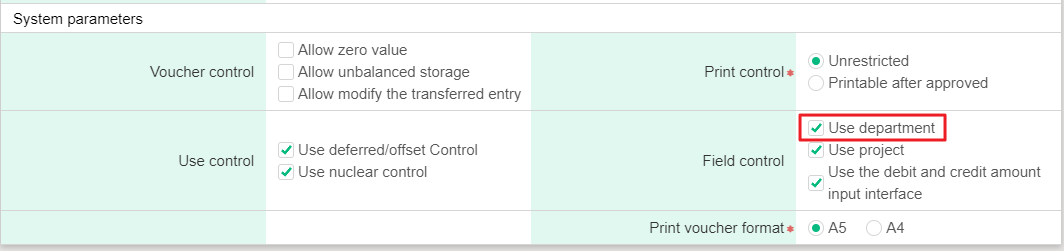
1. Please click [Maintenance>Parameter setting] and check [Use department]
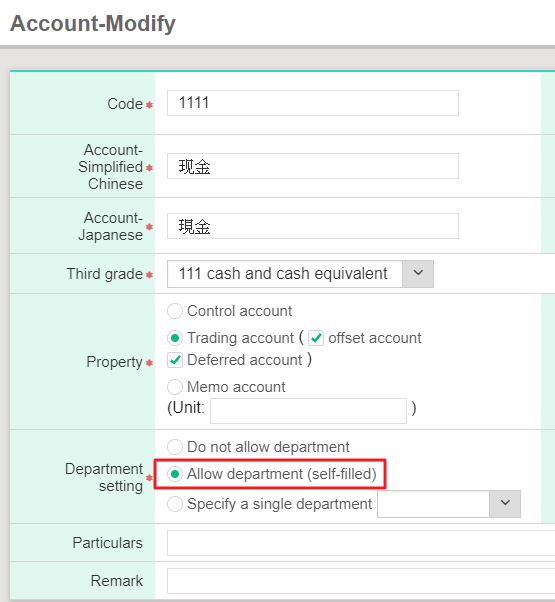
2. Click [Maintenance>Account information> Account], and find the account, then click [Edit] and check [Allow department (self-filled)].
3. Please add department. [Maintenance>Basic information>Department>Add]

4. Department allocation setting
(1) [Maintenance>Basic information>Project/ Department allocation setting ]
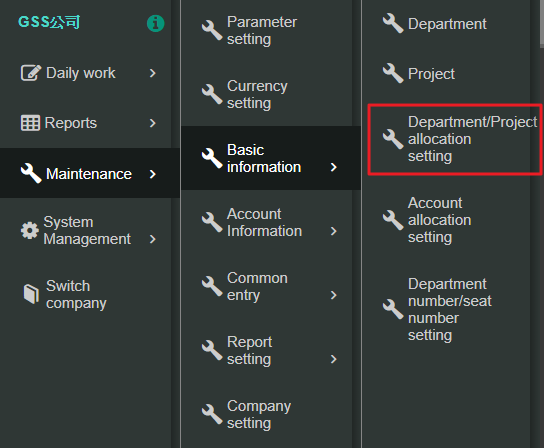
(2) Click [Department Add]
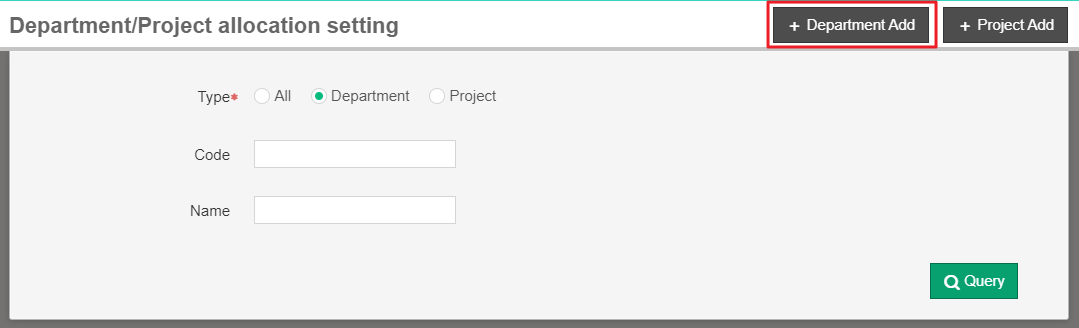
*Please note that if allocation is flexible rate, at least two departments' allocation rate must be 1.00 and number of department people and seat should be set up.
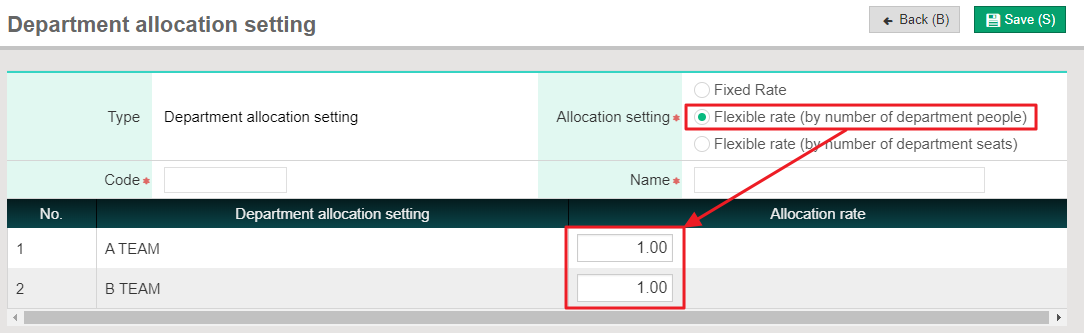
※Image below:[Maintenance> Basic Information>Department number/seat number setting] to set up number of department people and seat.
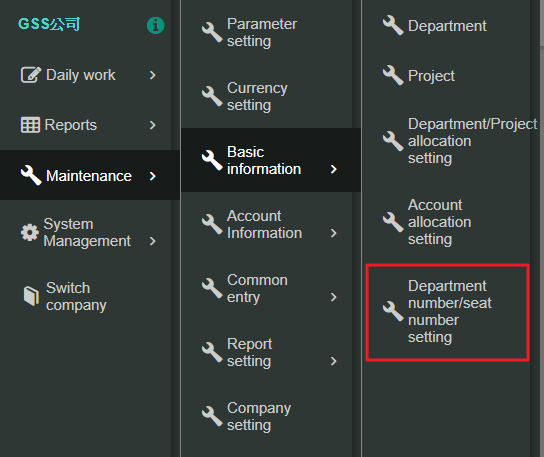

5. Method of setting up account allocation: [Maintenance>Basic Ibformation>Account allocation setting>Add]
*Department and project could be set as [Unlimited departments/projects]. If there is designated departments/projects, please select [Designated departments/projects].
*Allocation setting: Conditions should be selected