
How to purchase online/start a free trial
Visit Vital Cloud Services website (https://www.gsscloud.com/en/) to get started.

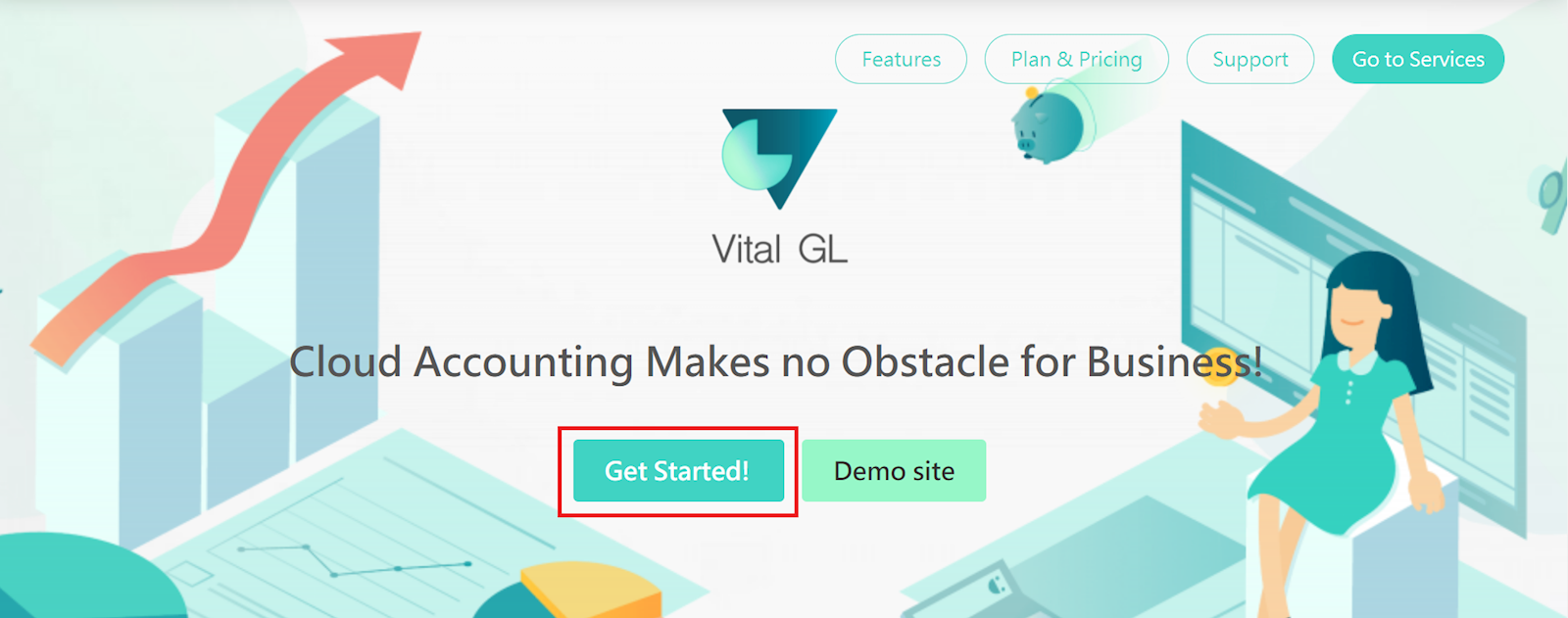
After selecting Vital General Ledger under "Accounting", click "Get Started!"
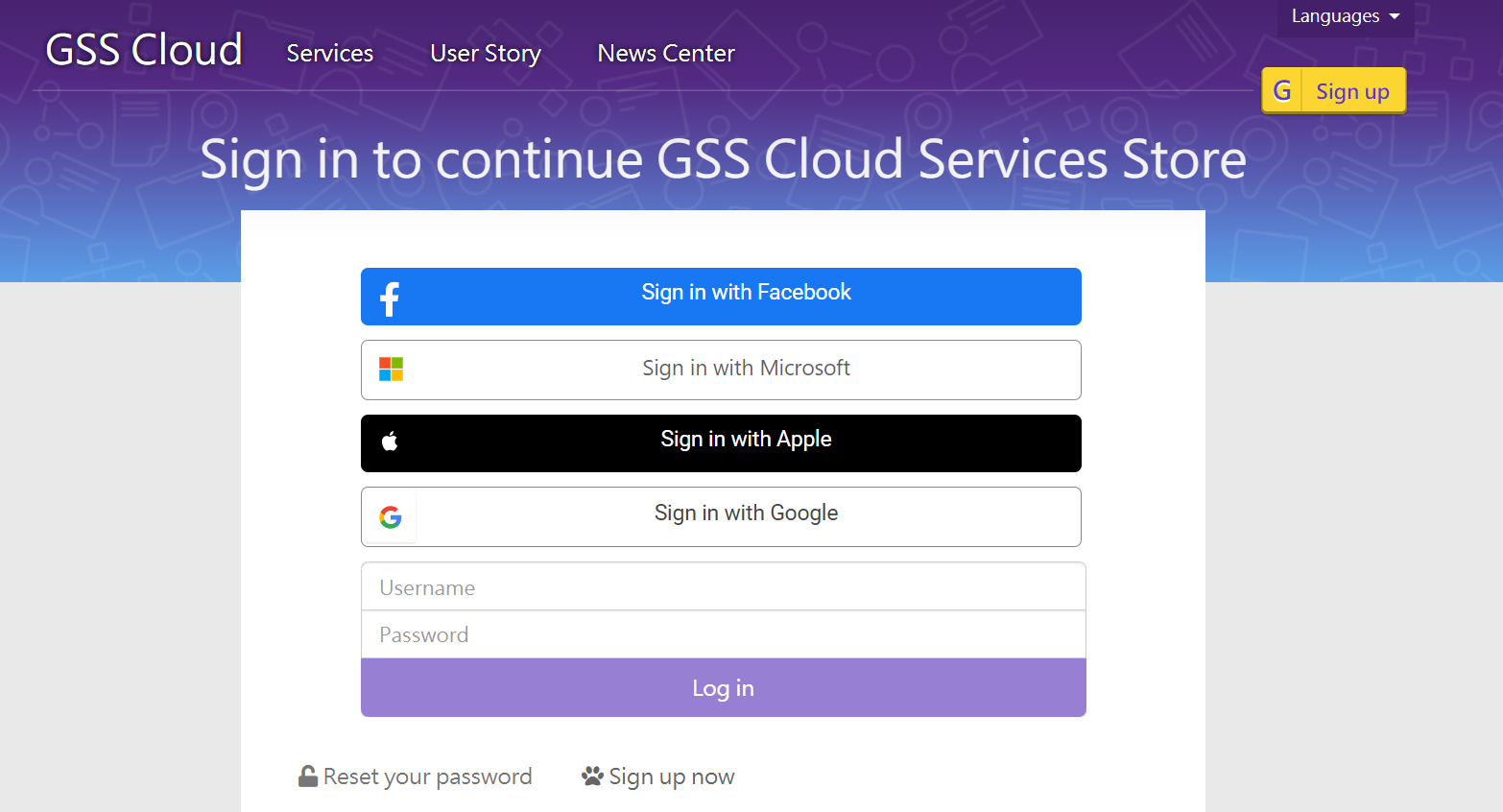
If you haven't logged in or registered for a Vital Cloud Service account, you will be guided to the login/register interface.
*For those who have an account but haven't signed in, please enter your username and password to continue.
*For those without an account, please select "Sign up now" at the bottom of the page.
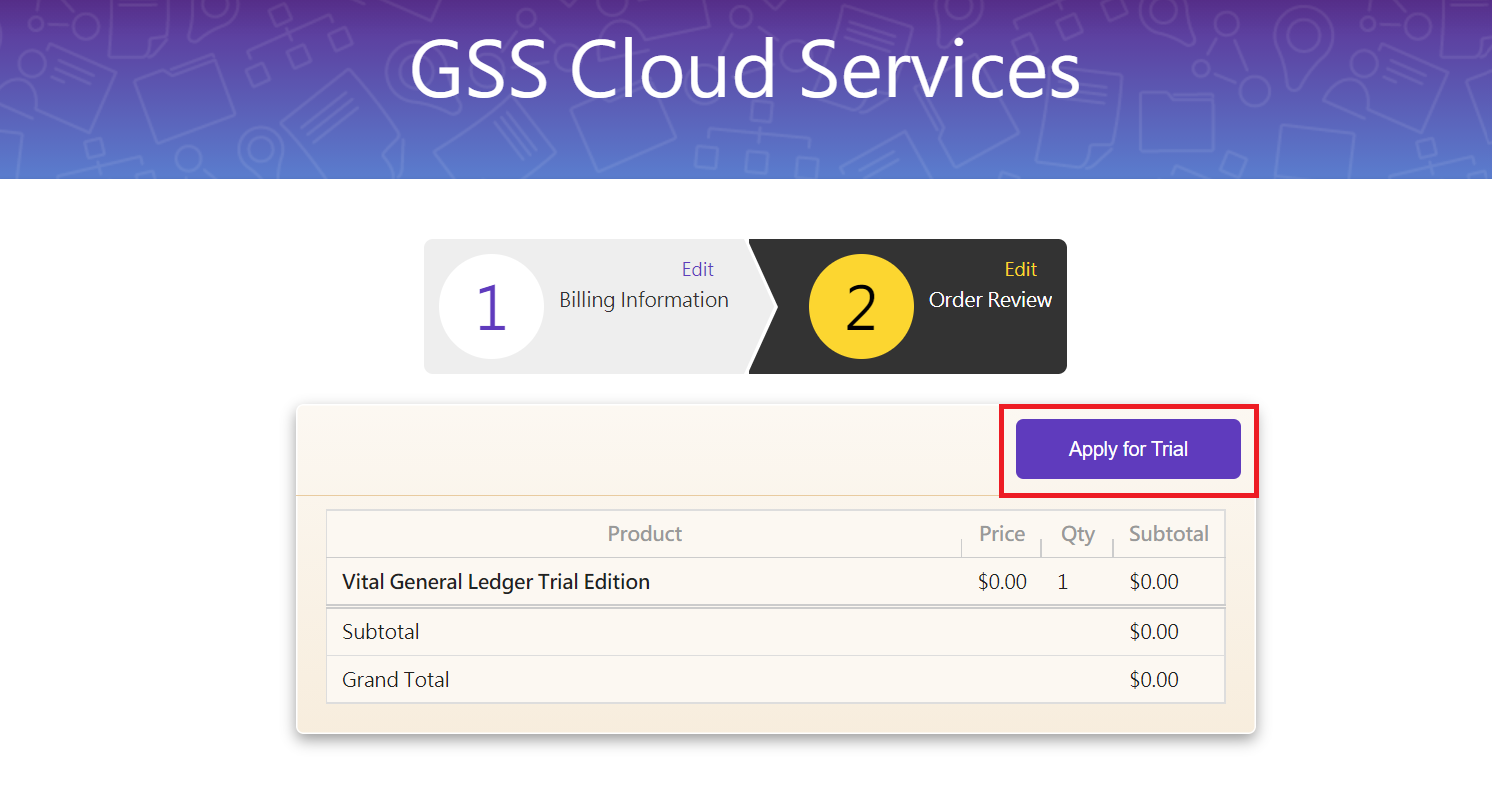
Once you're logged in, you will be led to the shopping cart page. Click "Apply for Trial."
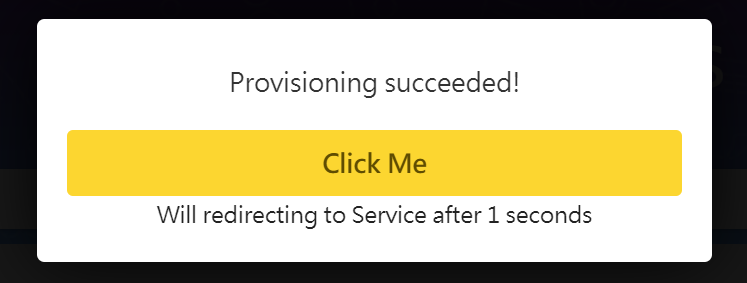
After submitting the order information, the system will start the provision and activation of your order. Once finished, click the yellow button to get started.
*Reminder: An activation email will be sent to your inbox.