
Vital KM
How to purchase online/start a free trial
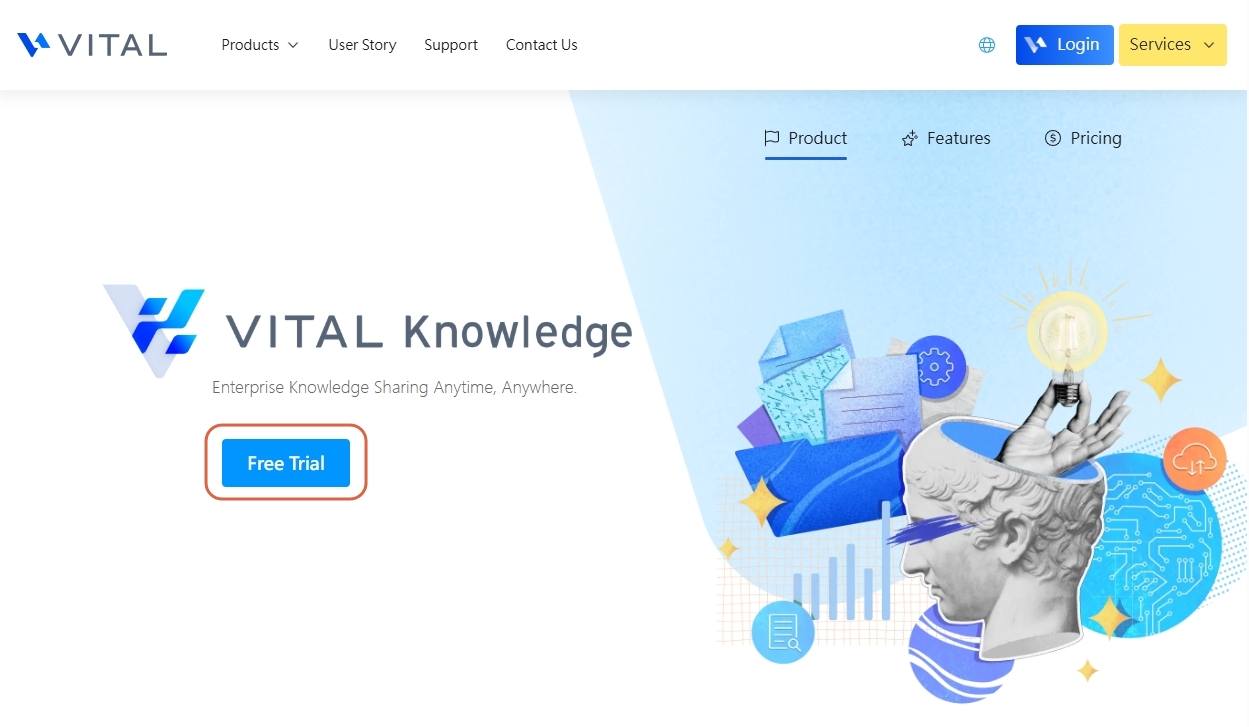
1. Visit Vital Cloud Services Vital Knowledge Website to get started. Click "Free Trial".
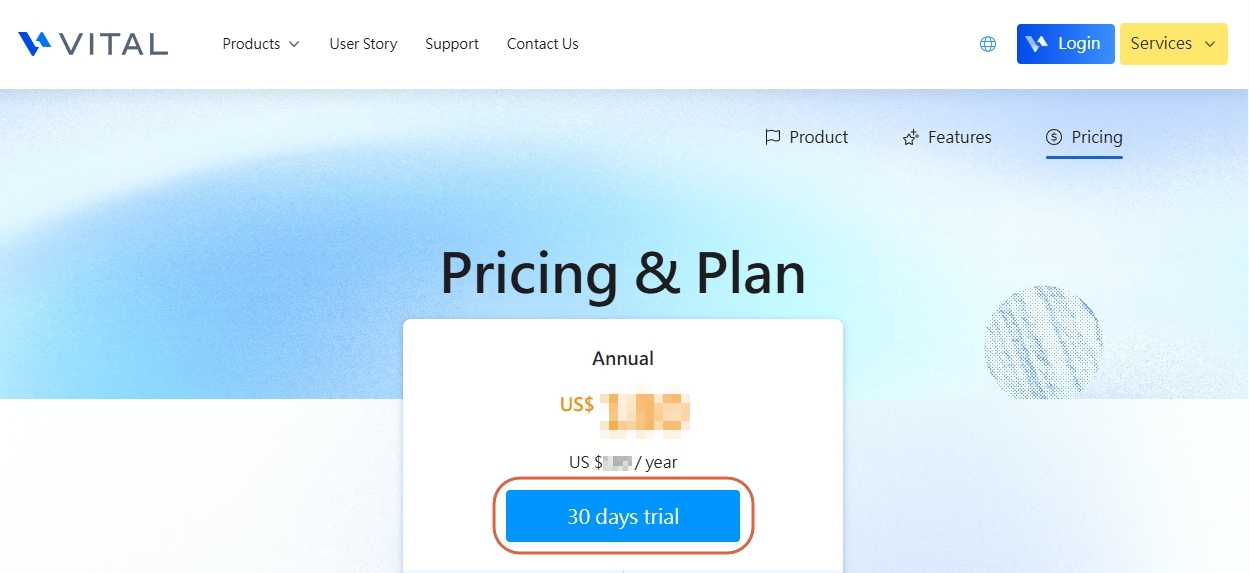
2. Click on "30 day trial" to start your trial period.
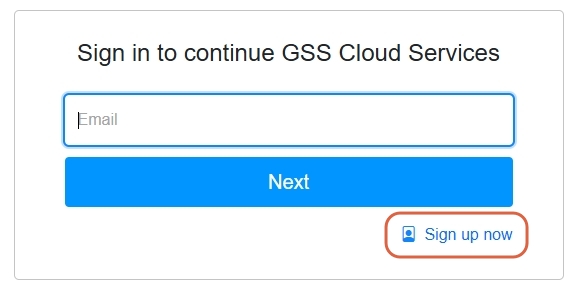
(If you haven't logged in or registered for a Vital Cloud Service account, you will be guided to the login/register interface. )
*For those without an account, please click "Sign up now" to sign up.
3. Once you're logged in, you will be led to the shopping cart page. Click "Apply for Trial."
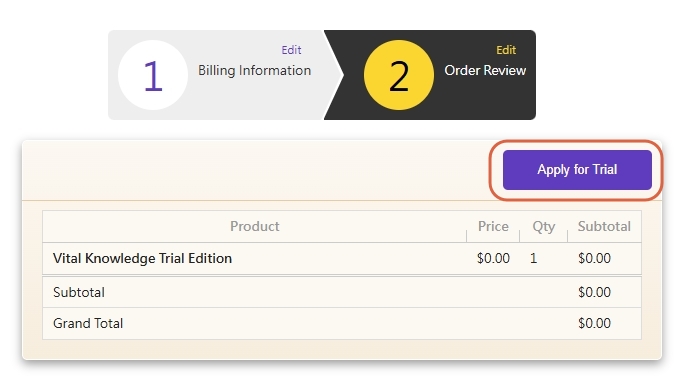
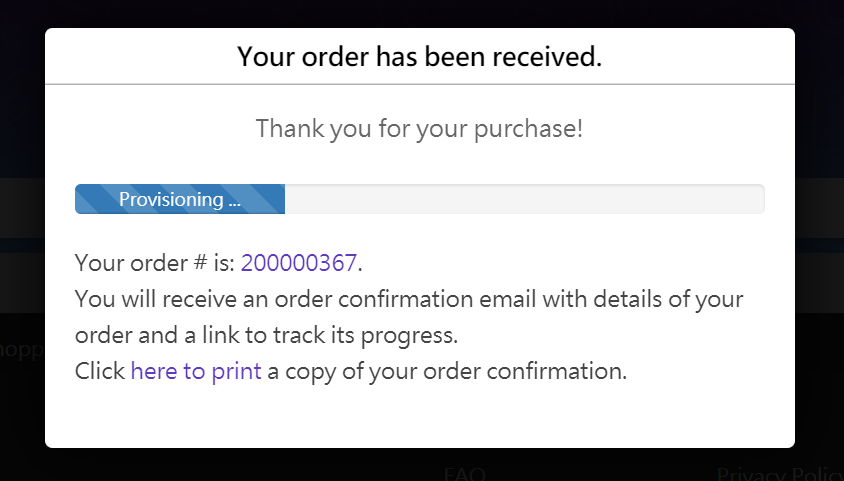
4. After confirmation, the system will start the provision and activation of your order.

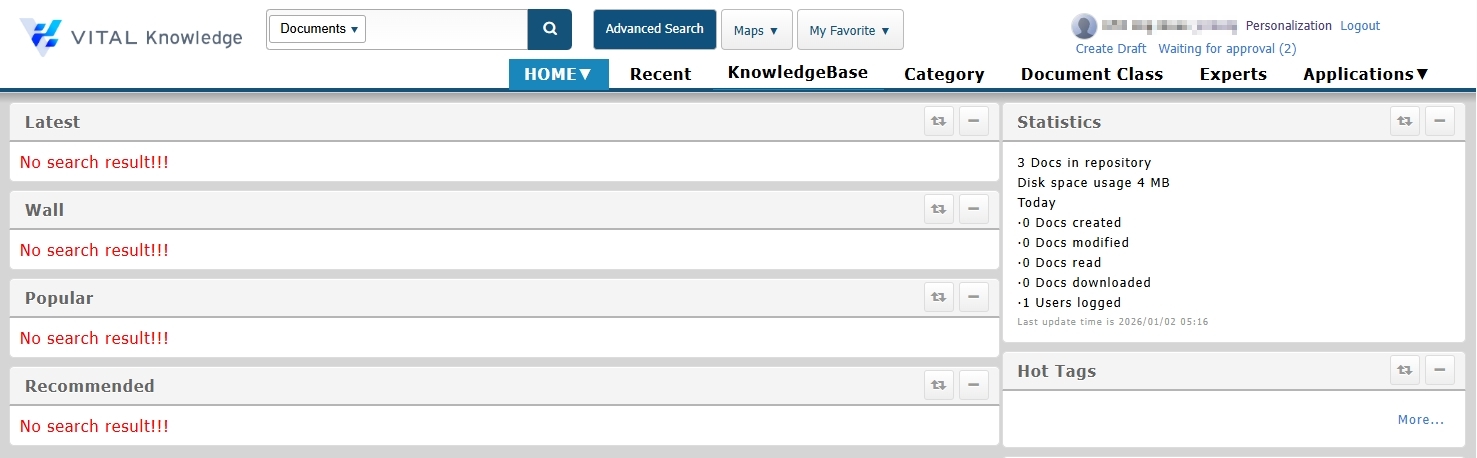
Activation completed:
https://faq.vitalyun.com/EN/Knowledge#2683