
Vital CRM
How does a Member log in? (for applicants after 2016.12.21)
1. Members needs to open the confirmation email and click on the activation link.
2. Members who have GSS CLOUD accounts can log in directly. For members who doesn't have an account yet, please click [Sign up now] for registration.
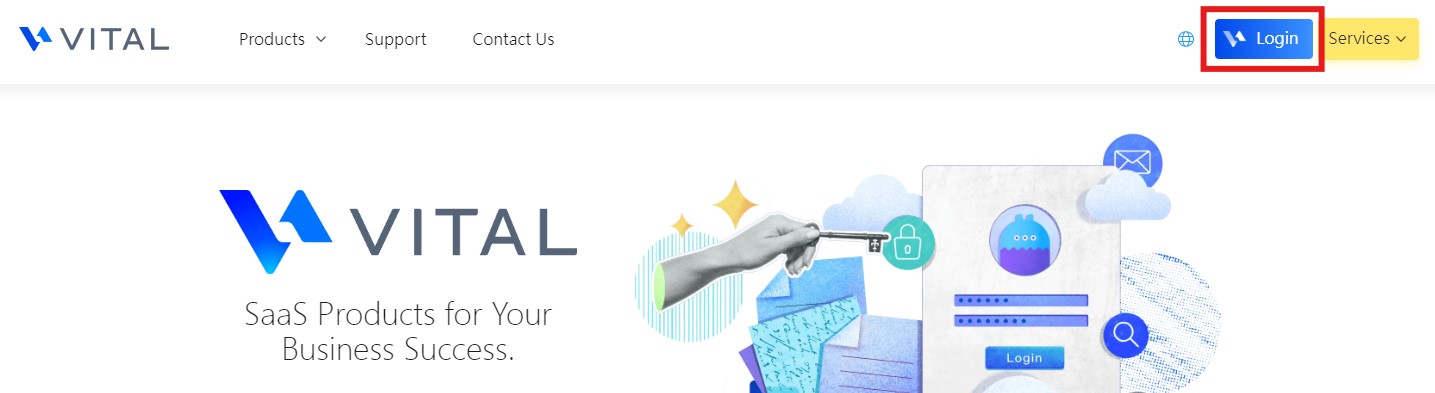
3. Members can sign up via their email, Facebook or Google account. In order to complete your registration, remember to tick the checkbox [I agree to the Terms of Service and Privacy Policy].
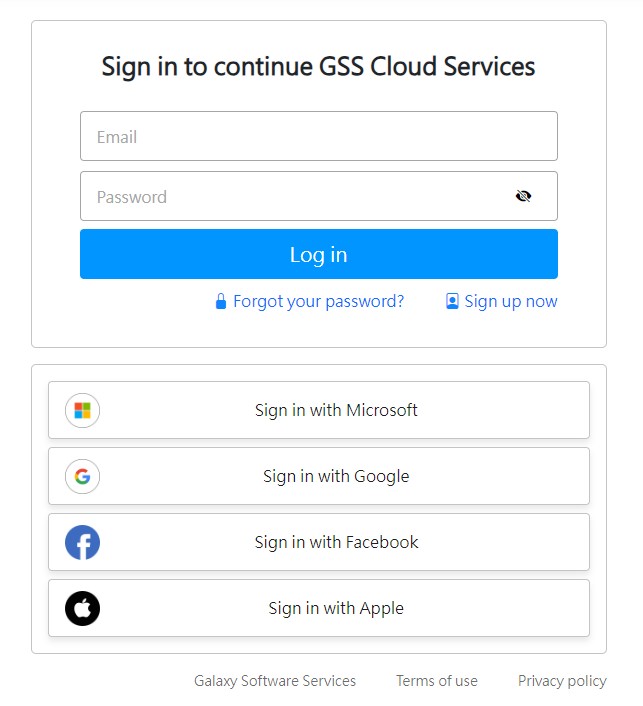
※ Note: The newly created account user needs to activate through the confirmation email.
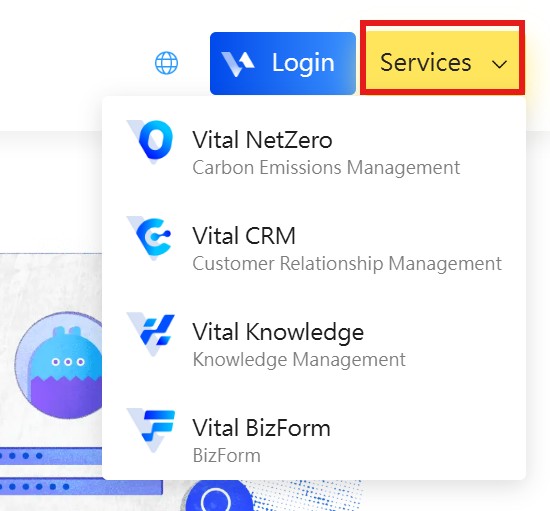
4. Choose the service to enter system.
https://faq.vitalyun.com/EN/CRM#3906