
Vital CRM
If I forgot my password, how can I login?
You can log in Vital CRM Cloud Services to change password on account dashboard.
Vital CRM website: https://www.gsscloud.com/en/vital-crm
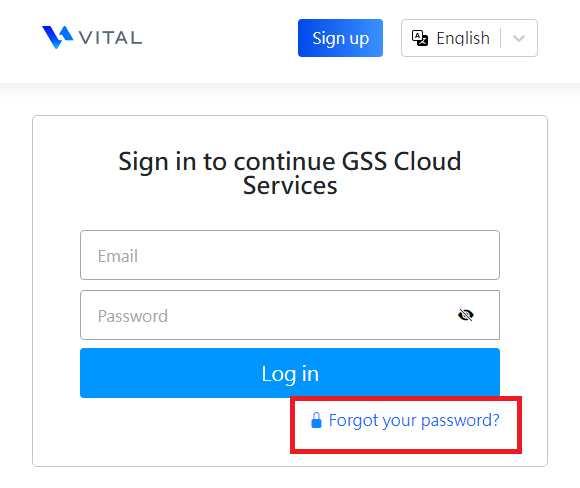
1. Click [Forgot Password] on login page.
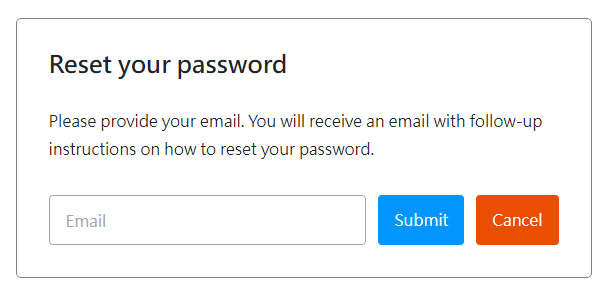
2. Fill in your email address and click [Submit]
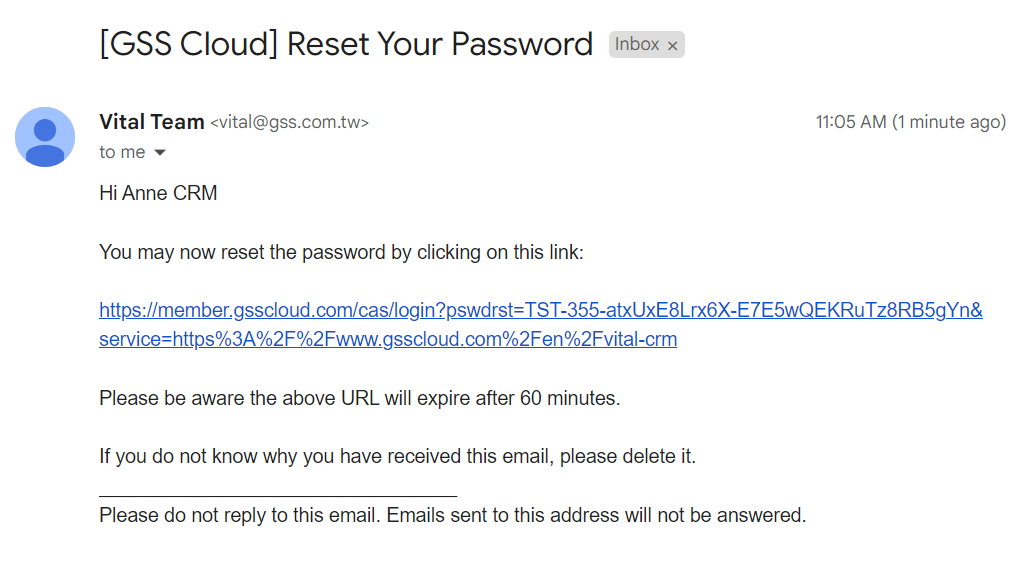
3. You can go to your mailbox to find the confirmation letter you requested, and follow the instructions from the email.
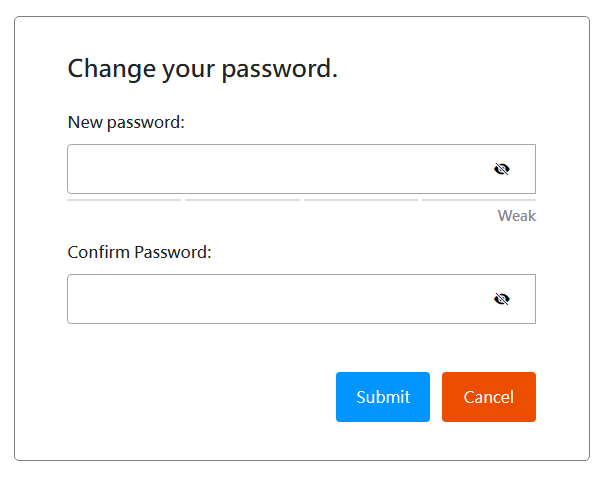
4. Enter the new password and confirm. Click [Submit], then you can use the new password to login to the system.
* How to login to CRM? http://faq.vitalyun.com/faq/EN/CRM#4077
https://faq.vitalyun.com/EN/CRM#4078