
How can I buy online/apply trial for Vital Cloud Family Service Products?
Select the product you want to use on the Vital Family official website (www.gsscloud.com).
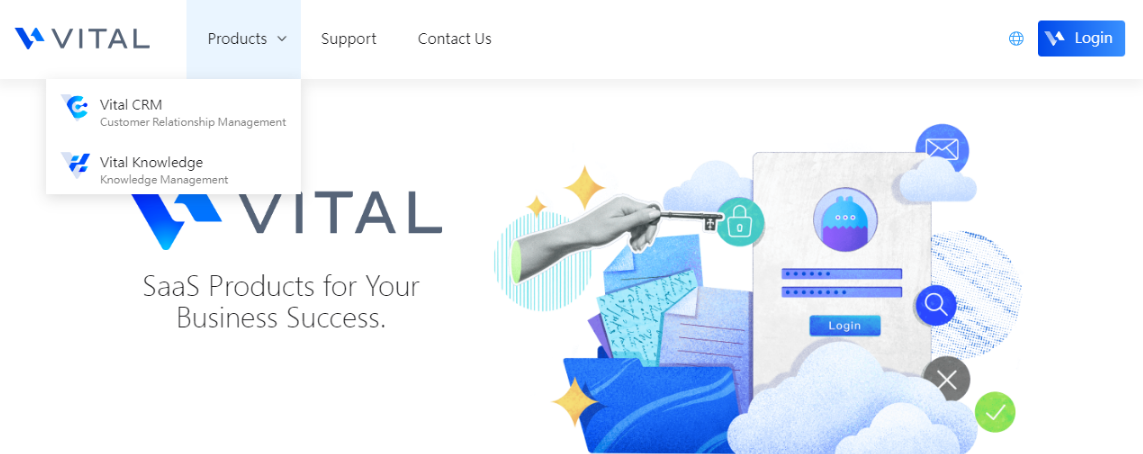
Example in CRM System
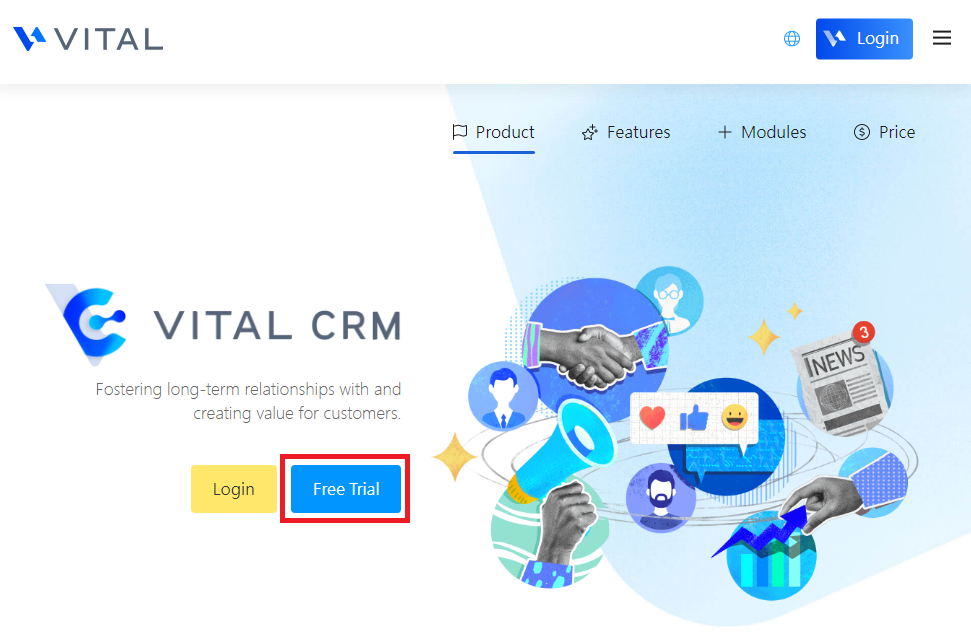
After you enter the Vital CRM system, click [Free Trial] to start.
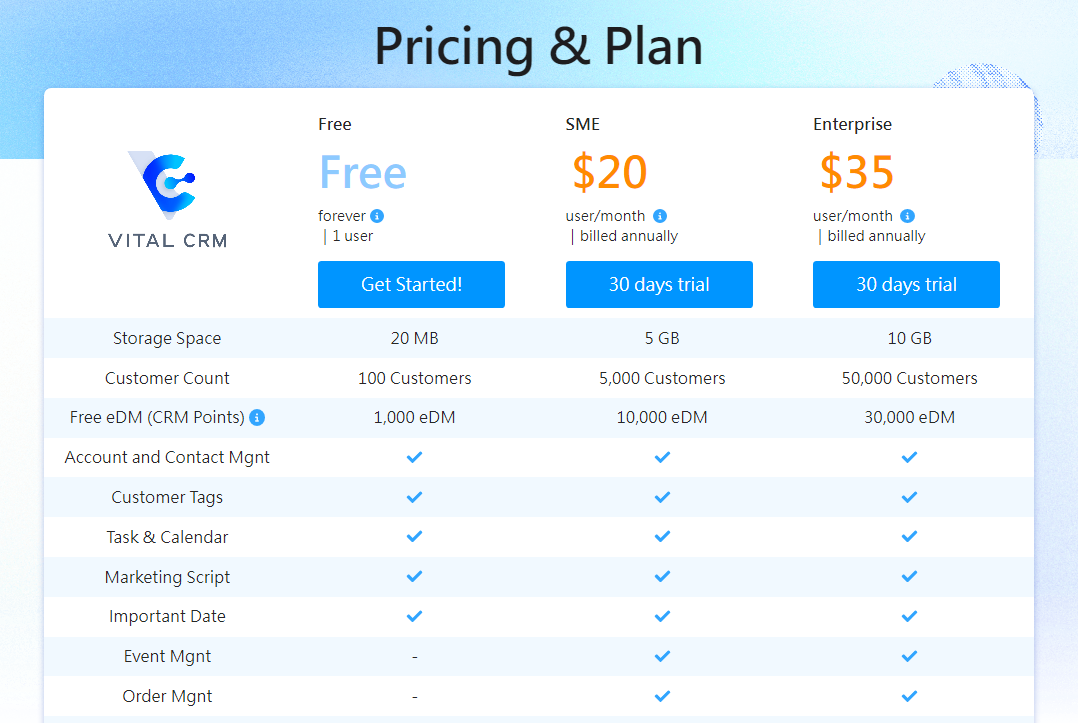
You can select the version that meets your business needs on the "Pricing and Plan" page, and then click [30 days trial].
The system will redirect you to the shopping cart page. If you have not logged in or registered on the Vital cloud service family official website, the system will guide you to login/register first.
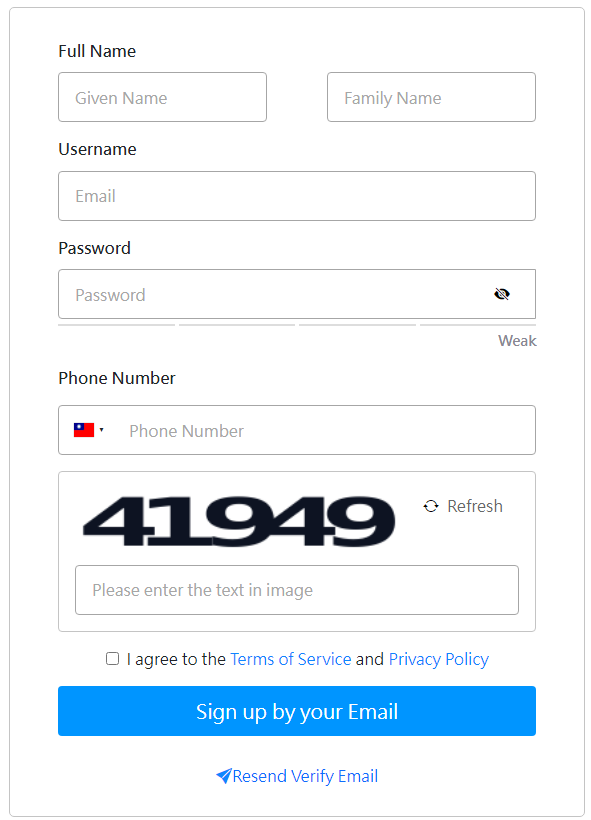
If you have not yet registered an account, you can click [Sign up now].
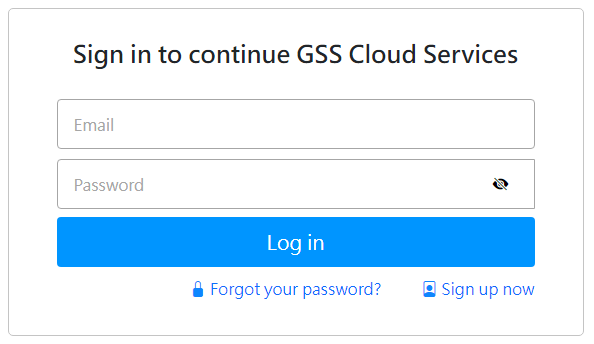
Registration: After registration, you need to log in to your mailbox and complete the account verification.
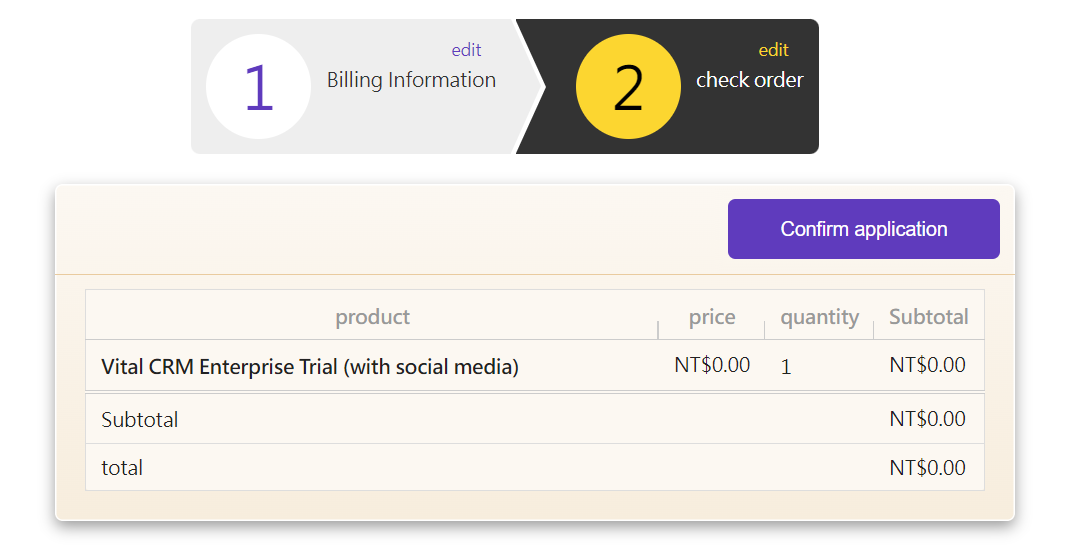
After the registration is complete, the system will guide you back to the "Shopping Cart" page to confirm your trial package.
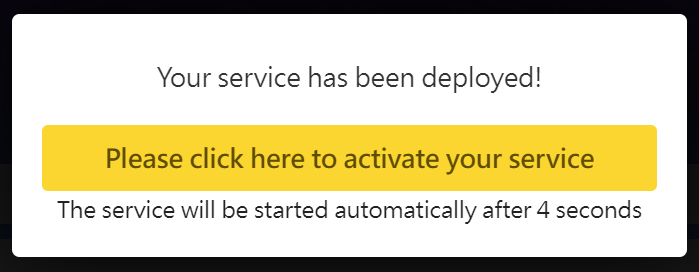
The system will start to install your system services. Wait for a few seconds and the following icon will appear. You can click the yellow button to start using your system services.
Note:
Vital CRM needs additional login system information: please refer to
Each product activation system will need confirmation by activation Email.
free trial