
Vital CRM
How to register or sign up an account?
Welcome to the Vital Cloud Management Family! To register, you can visit our official website and click the [Login] button in the upper right corner!

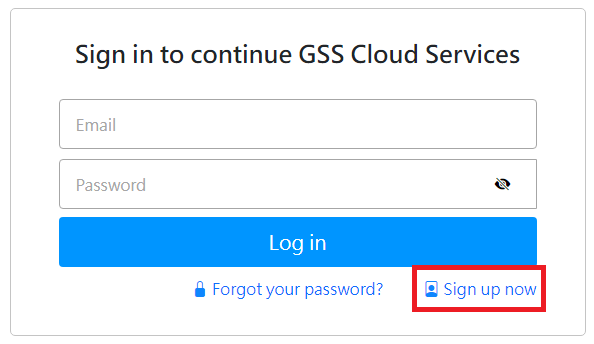
Next, click 'Sign Up Now' at the bottom of the login page.
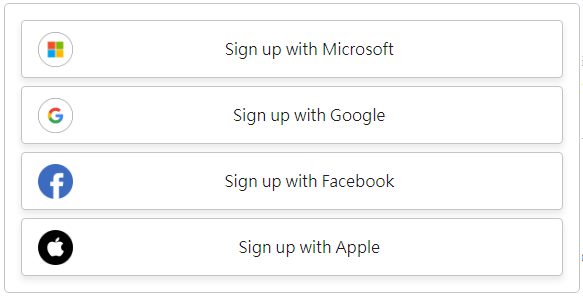
You will be taken to the registration page, where you can choose to register using third-party platforms (such as Microsoft, Google, Facebook, Apple)
or directly enter your account and password for registration.
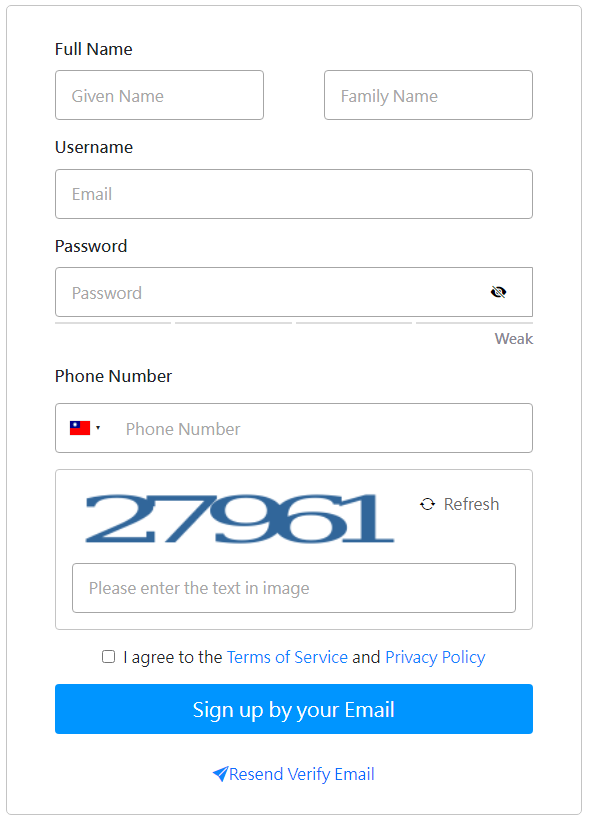
After registering your account, the system will send a verification email to the email address you registered with. Please remember to check your inbox for the verification email and follow the steps in the email to complete the verification!
https://faq.vitalyun.com/EN/CRM#4482