
雲端家族
How to Log in to the System Using a Third-Party Service (Microsoft, Google, Facebook, Apple)?
To use a third-party service for login, you must meet one of the following conditions:
1. You registered your account using a third-party service.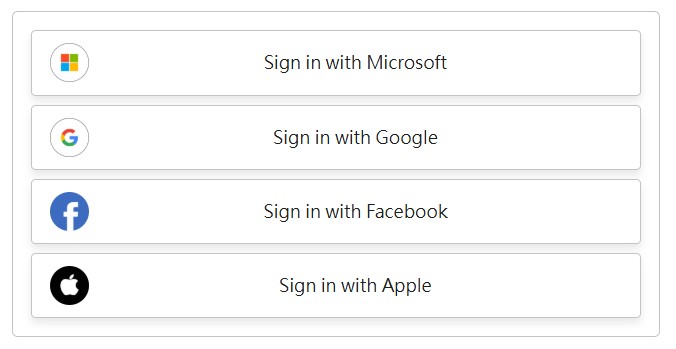
2. You linked your account to a third-party service later (Path: Account Dashboard > Security Authentication > Social Sign-in).
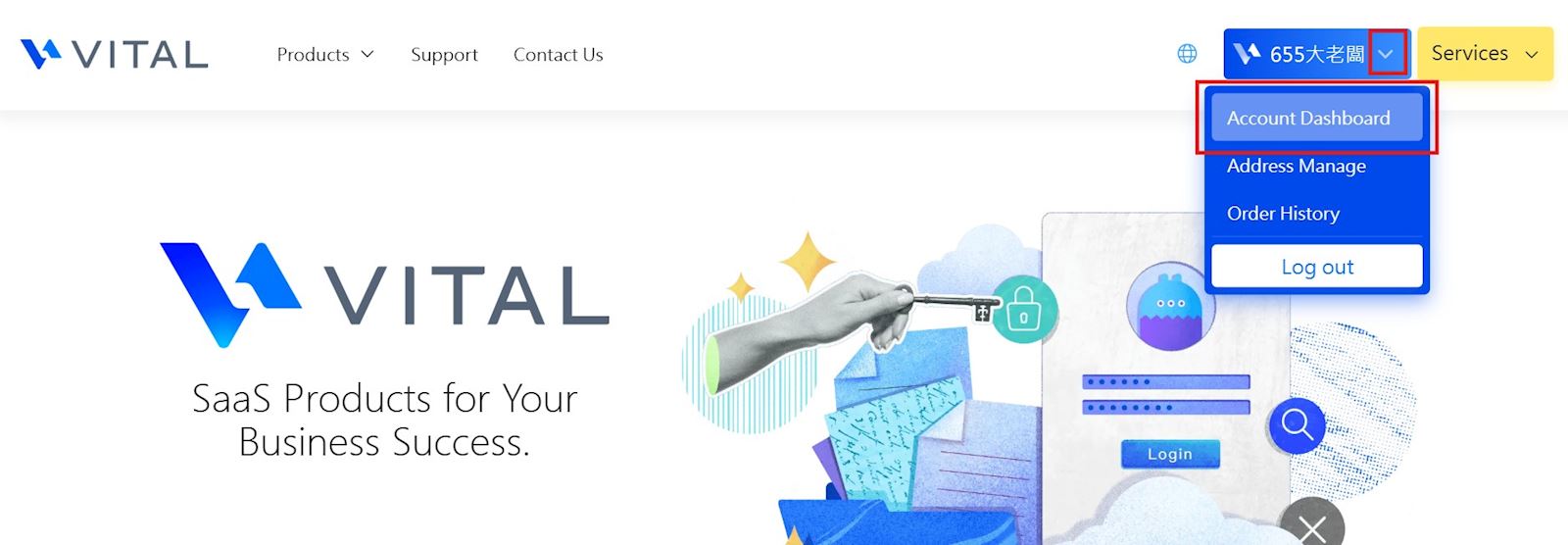
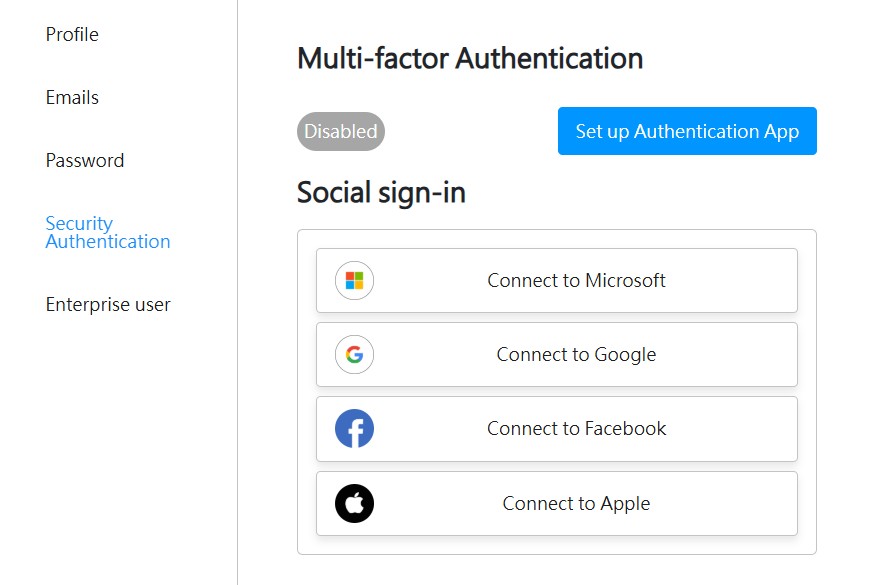
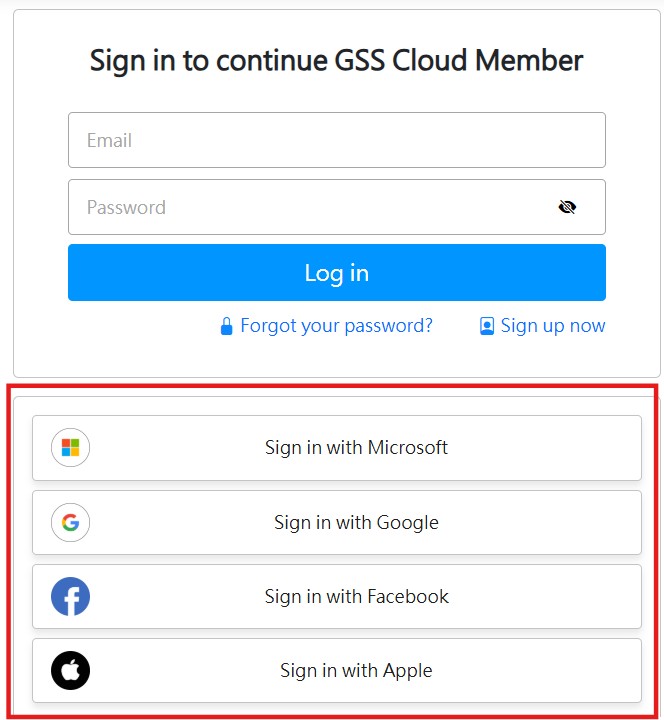
If your account meets the above conditions, you can select the linked third-party service on the login screen to log in directly.
【Tips】
- The system may prompt you to log in to the third-party service. Please ensure that you enter the correct credentials.
- If you are already logged into the third-party service, make sure the currently signed-in account matches the one linked to this system.
- If you are already logged into the third-party service, make sure the currently signed-in account matches the one linked to this system.
For example, if your browser is currently signed into Google Account A, but your registered system account is linked to Google Account B, the system may automatically attempt to use Account A, resulting in a login error.
In this case, please sign out of the current Google account in your browser, use an incognito window, or switch to a different browser to log in.