
Vital CRM
How can I change my password?
You can log in Vital Cloud Services Family to change password on account dashboard.
Vital Cloud Services Family: https://www.gsscloud.com/en/
1. Click on [Sign up] and log in Vital Cloud Services Family.

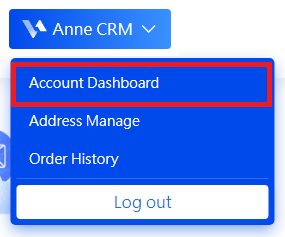
2. You will return to our homepage after logging in successfully. Click on [Account Dashboard] on the drop-down list by user name.
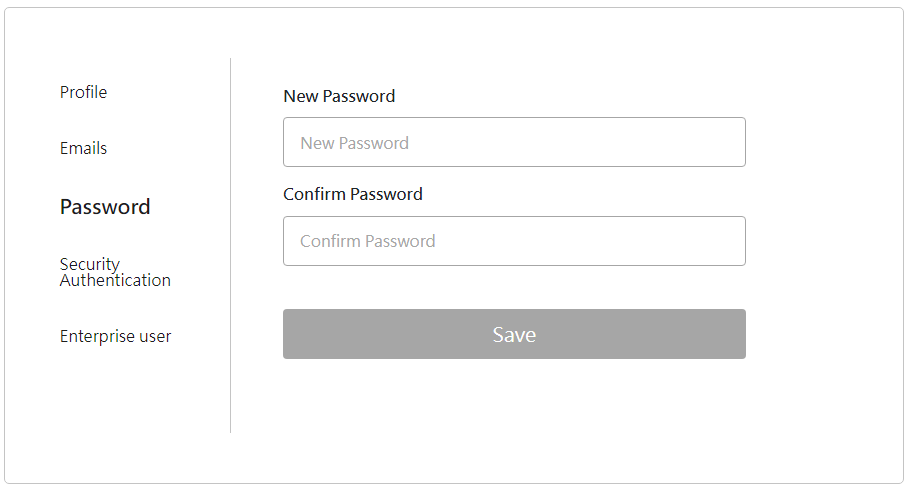
3. There is an options menu on the left of the page. Click on [Password] to make changes, then click [Save] to save the new password.
https://faq.vitalyun.com/EN/CRM#4050