
Vital CRM
How can I login to Vital CRM?
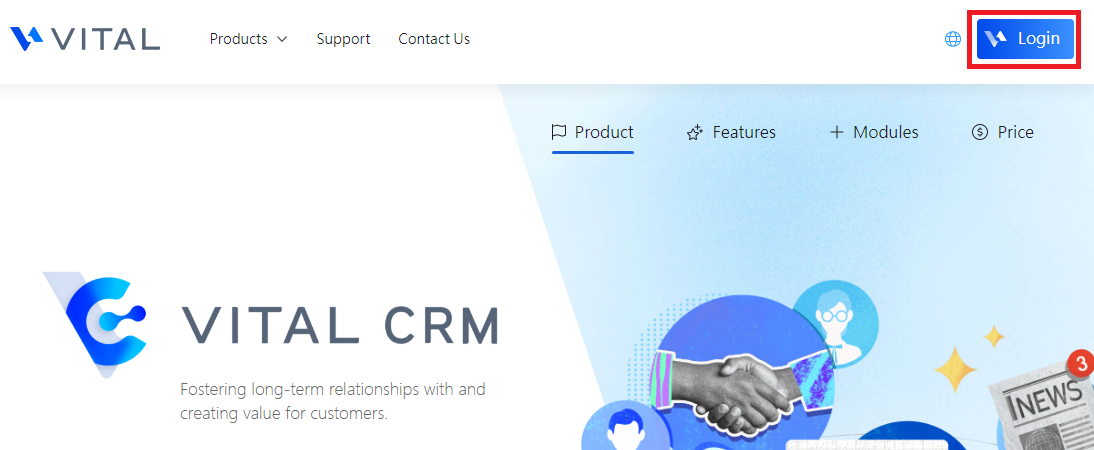
1. Enter the Vital CRM GSS website, and click login on the upper-right corner of the page.
Vital CRM website: https://www.gsscloud.com/en/vital-crm
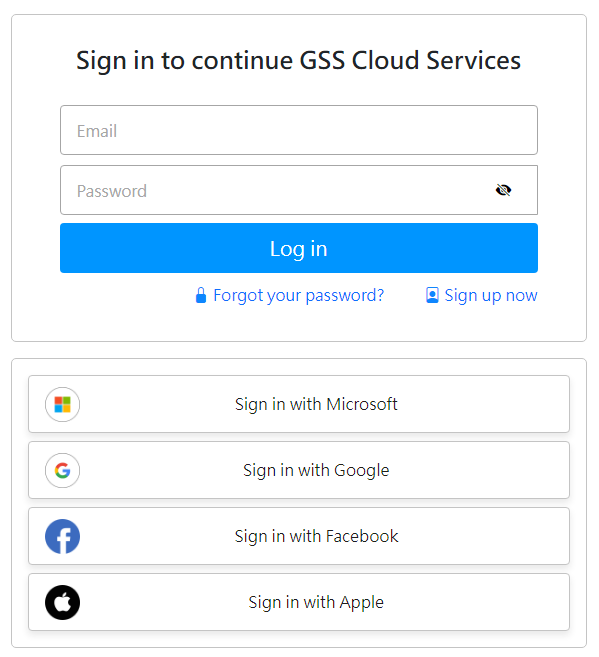
2. Login to GSS CLOUD account center:
Fill in account and password or you can also use your Microsoft, Facebook, Apple or Google account to login.
https://faq.vitalyun.com/EN/CRM#4077