
How to Add Limited Access User (Members)?
1. Navigate to the "Settings" section in the left-side menu, then go to [Account > Limited Access User].

2. On the page, click "Add" on the right.

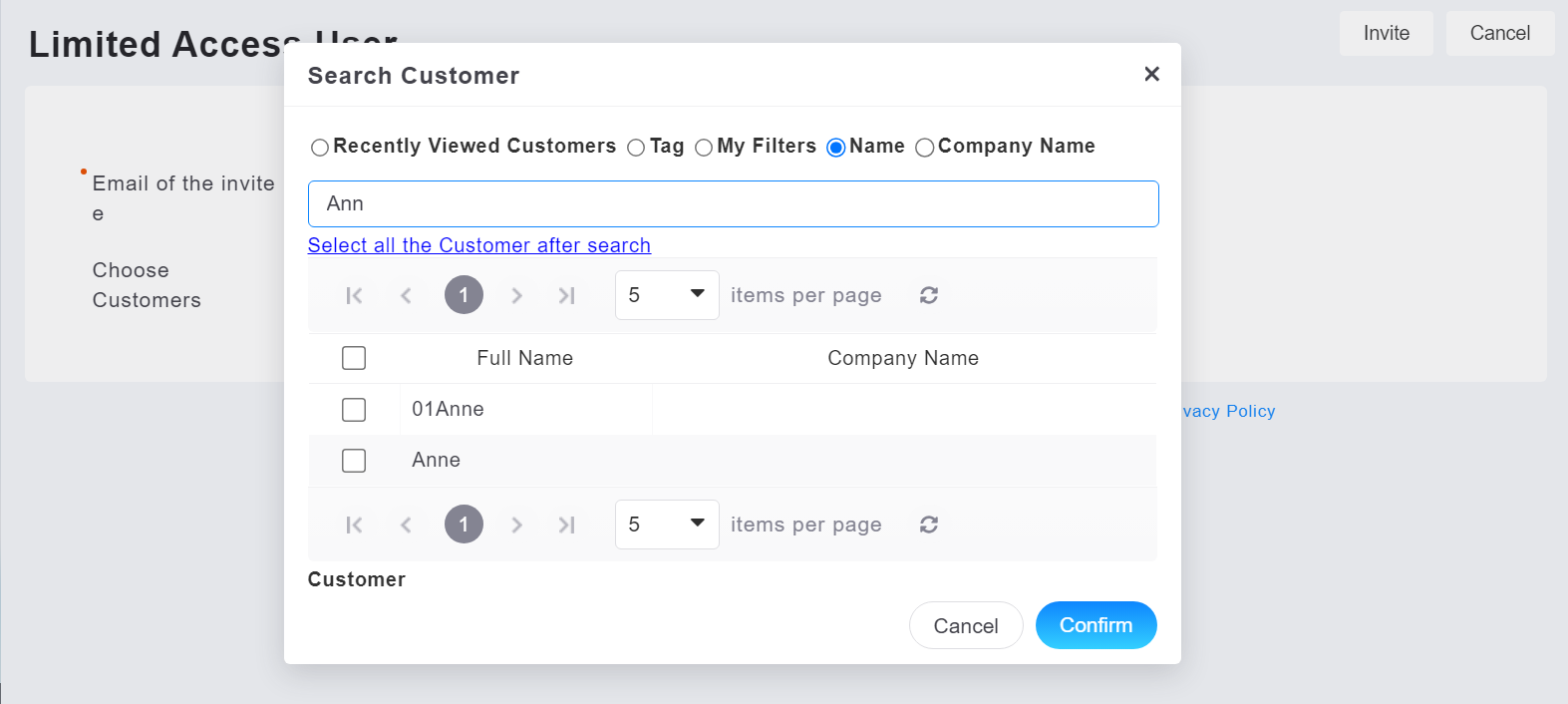
3. Enter the invited person's email and search for associated customers. Click "Search Customers" to perform searches based on "Recent Browsing History," "Tags," "My Filters," "Customer Name," or "Company Name."
If you wish to add multiple associated customers, it's recommended to tag them on the customer profiles or set conditions for identification. When adding associated customers, click the "Select All Customers After Search" button to add all customers within that tag without individually selecting each one.
Reference:
How to tag customers?
How to set up "My Filters"?
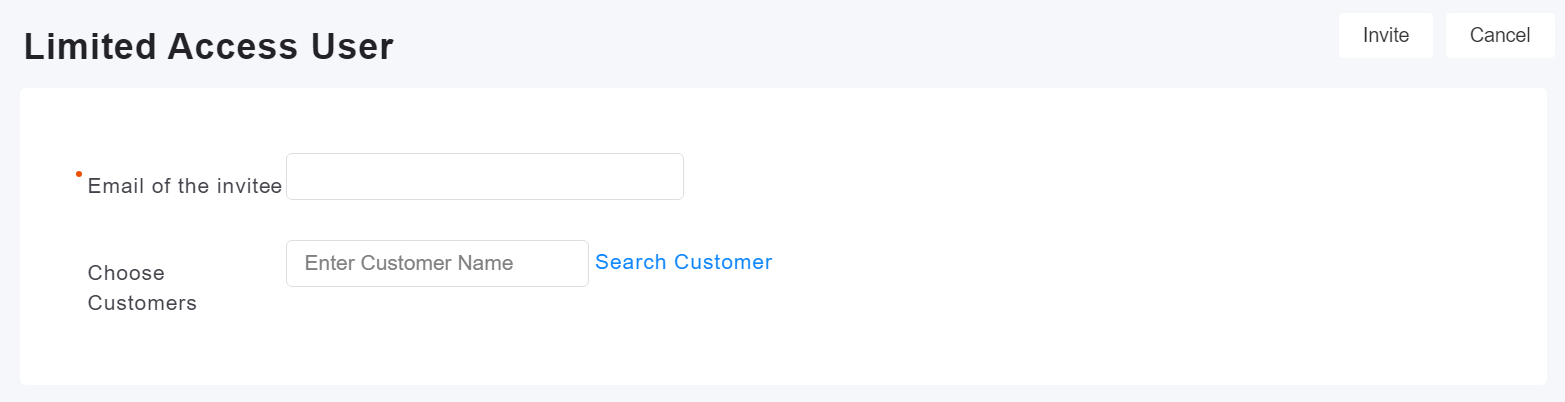
4. After entering member information, click "Invite."

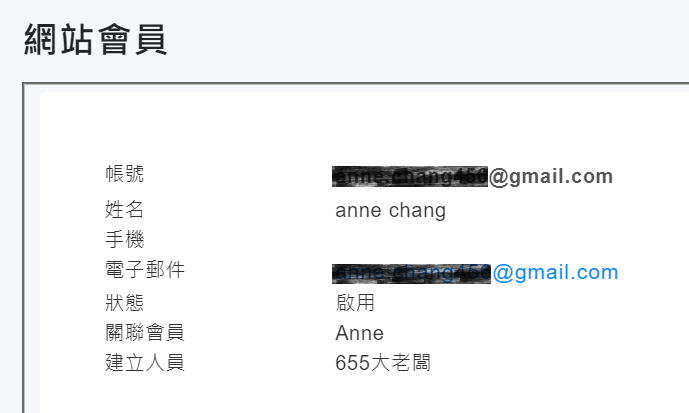
5. The system will navigate to the website member import screen. Wait for website member confirmation to complete the addition.
* How does a Limited access user (member) log in?