
Vital KM
What is "My Editing Lock List"?
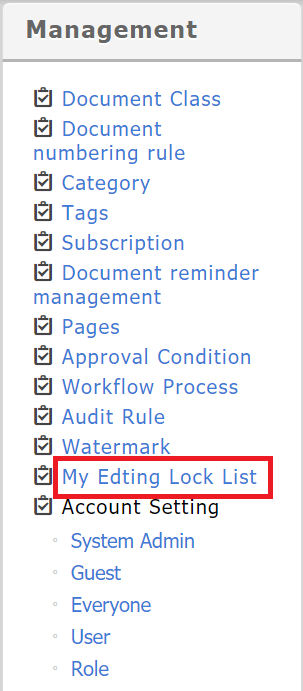
Editing-lock documents: Admin can lock documents, while other members cannot edit documents that are locked. The locked documents are listed in [Management] > [My Editing Lock List]. Only the admin can release them.
Above every document is a "Lock" button in the function bar.

Click it, and a pop-up screen will appear. Please enter your reason for getting editing lock.
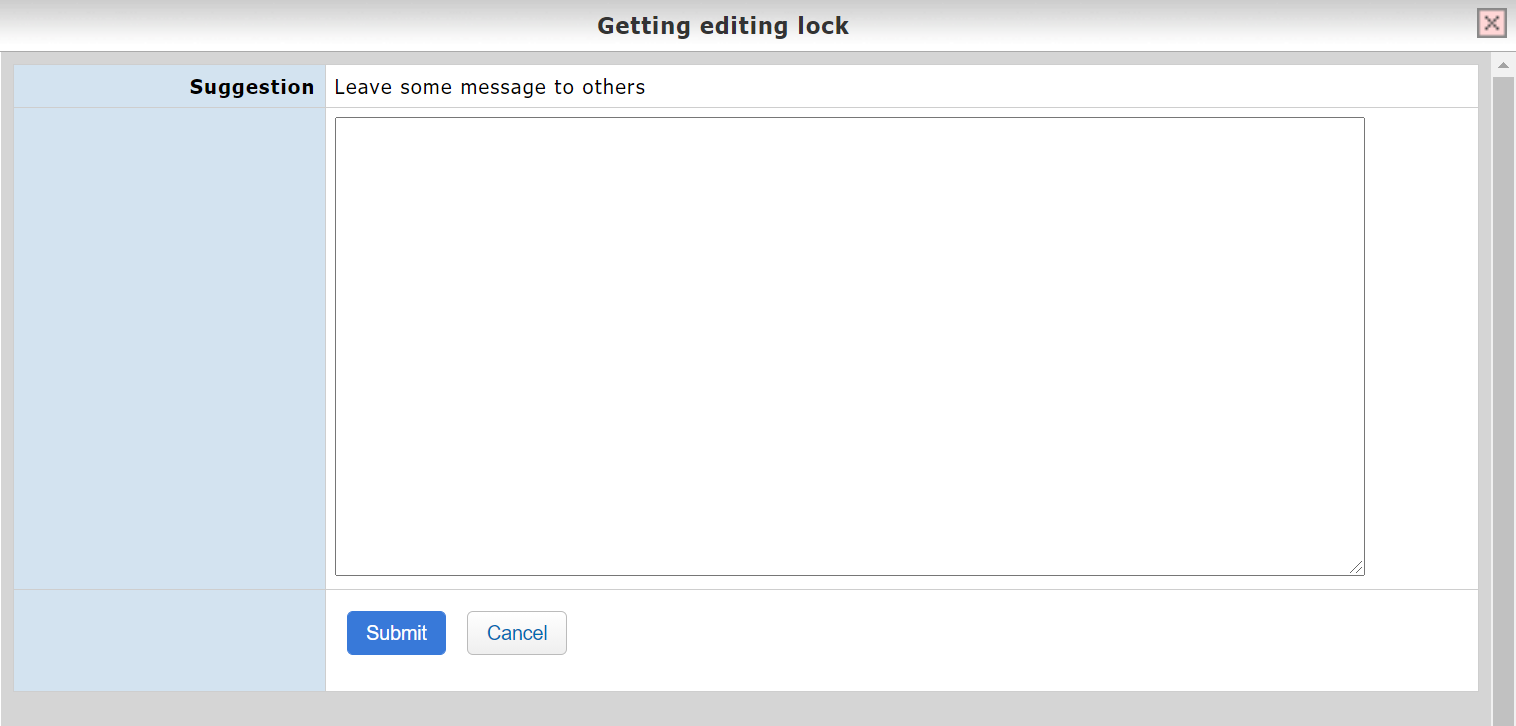
Once locked, the message below will appear, reminding the reader who locked the document, as well as when and why. In addition, the reader can also release the document (must have system admin authority).

The system admin can control and release the documents from [Management] > [My Editing Lock List].

https://faq.vitalyun.com/EN/Knowledge#2737