How can I add a new Company?
There are three methods to add a new company:
- Single company addition
- Multiple/batch import
- Add company via Vital CRM APP
I. Single company addition:
-
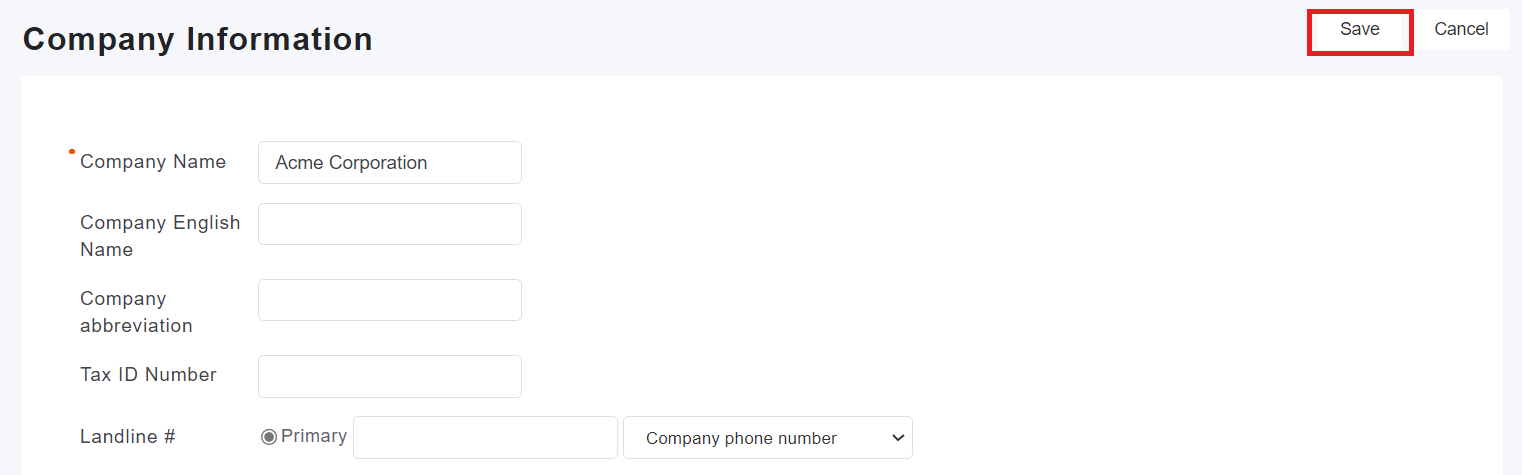
Go to "Company" tab, then click "Add".

-
Enter the required informations and other additional informations, then click "Save" when finished.
II. Multiple/batch import of company data:
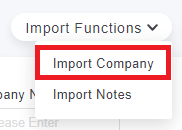
1. In the Company tab, click [Import function] on the upper right and select [Company Import]
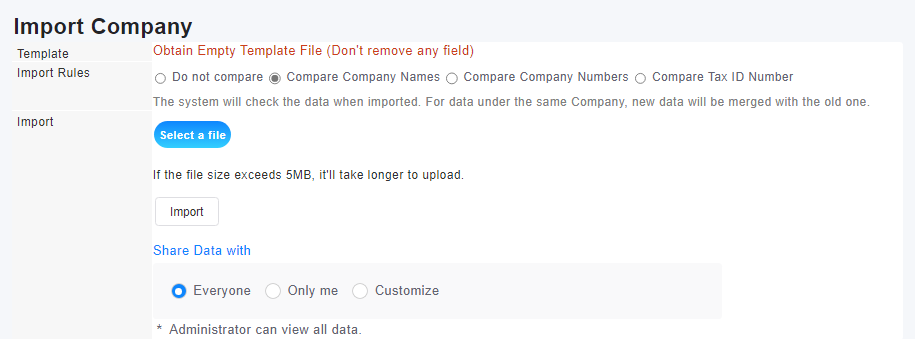
2. Use Excel to organize the company files and upload them, or download the blank template from the system, fill it out, and then upload it.
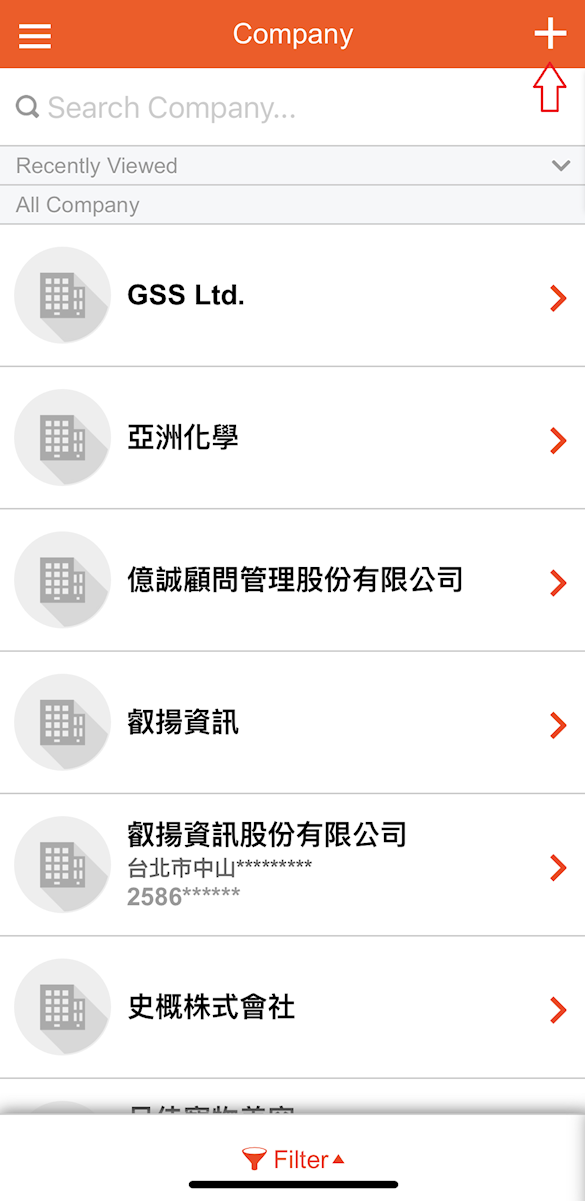
III. Add company via CRM App
※Note: You need to download the Vital CRM App to use this method.
* How to download Vital CRM APP?
-
Go to the "Company" page.
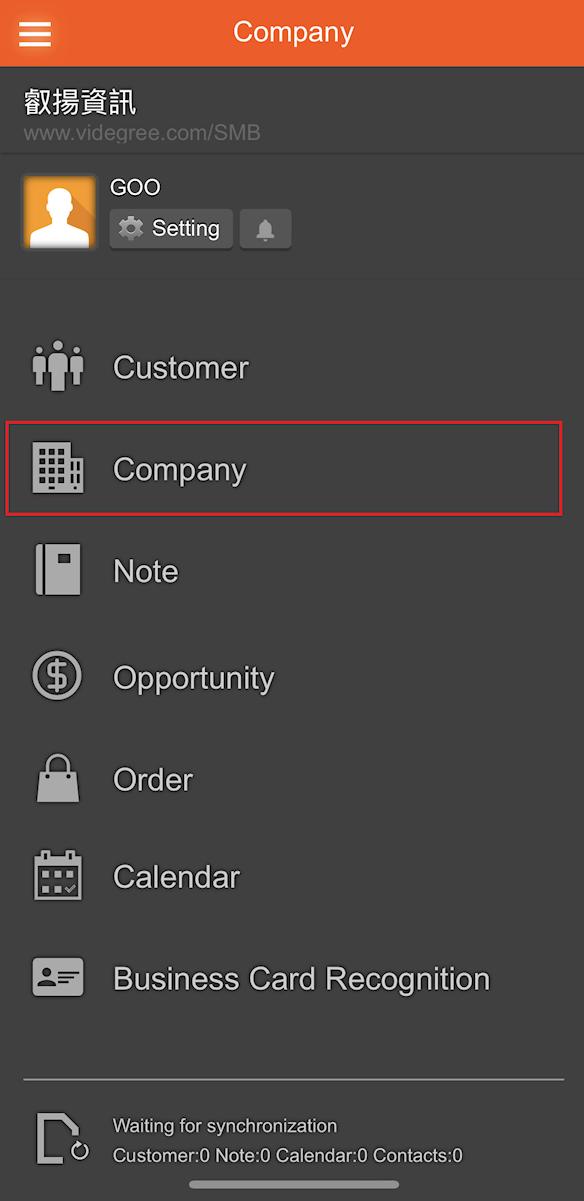
-
After entering the company page, click the "+" in the upper right corner to start adding a company.