
Vital KM
How do I approve proposed document(s)?
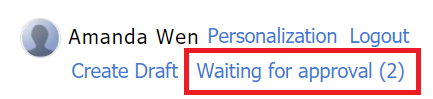
1. Select [Waiting for approval] in the top right corner. The number inside the parenthesis is the number of documents waiting for approval.
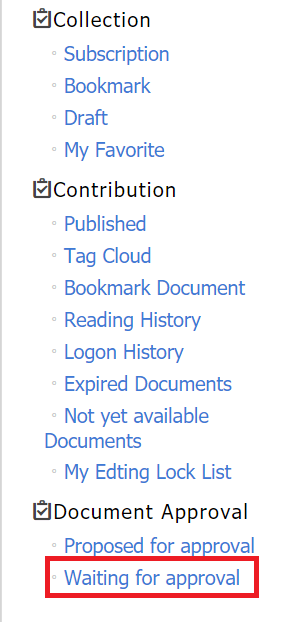
2. Select [Waiting for approval] in the left menu.
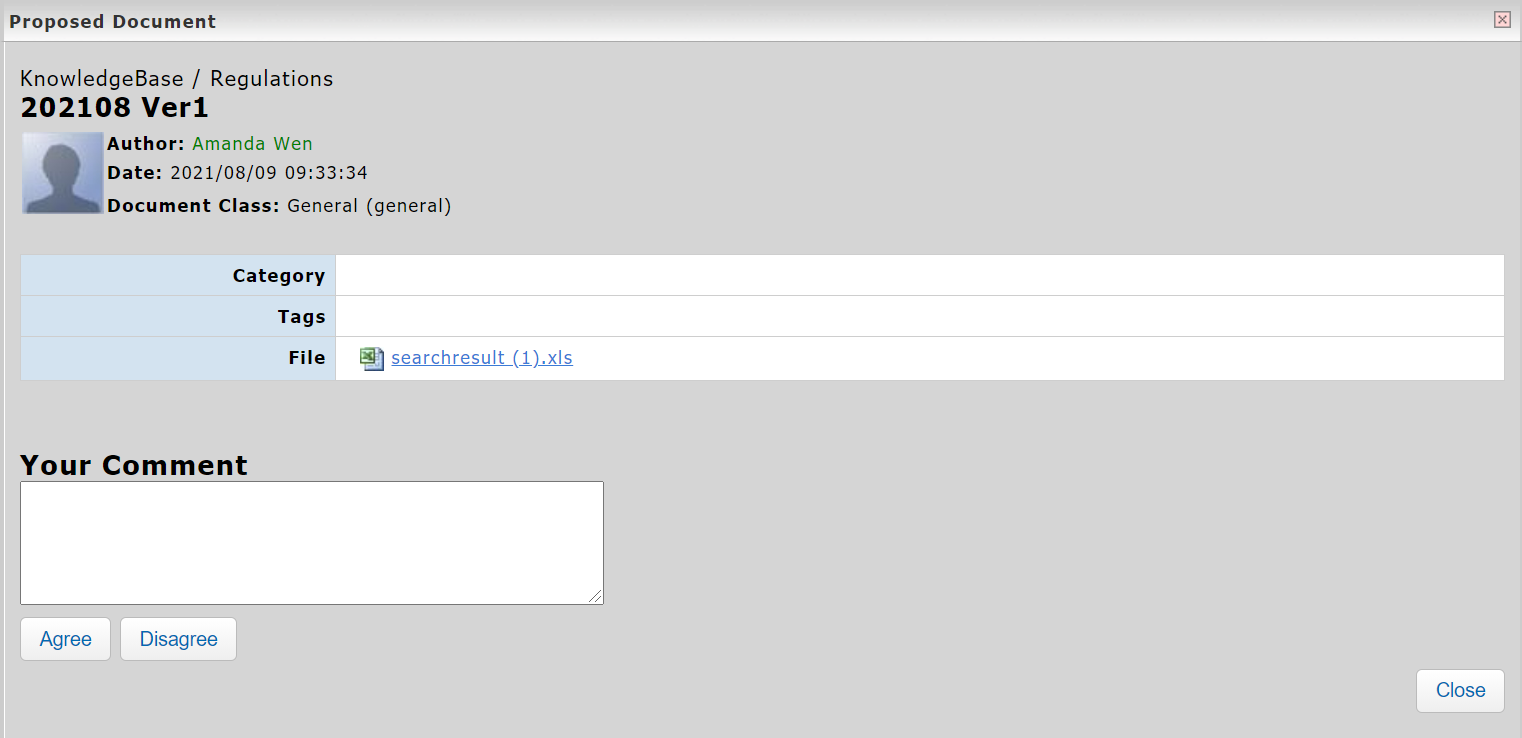
3. The documents waiting for approval are listed below. Click [View].

*The system will send reminder emails of the auditing(s). Please make sure the email information is filled in your account.
https://faq.vitalyun.com/EN/Knowledge#2697